Code the ABCs and the 123s with Dash

Udostępnij post:

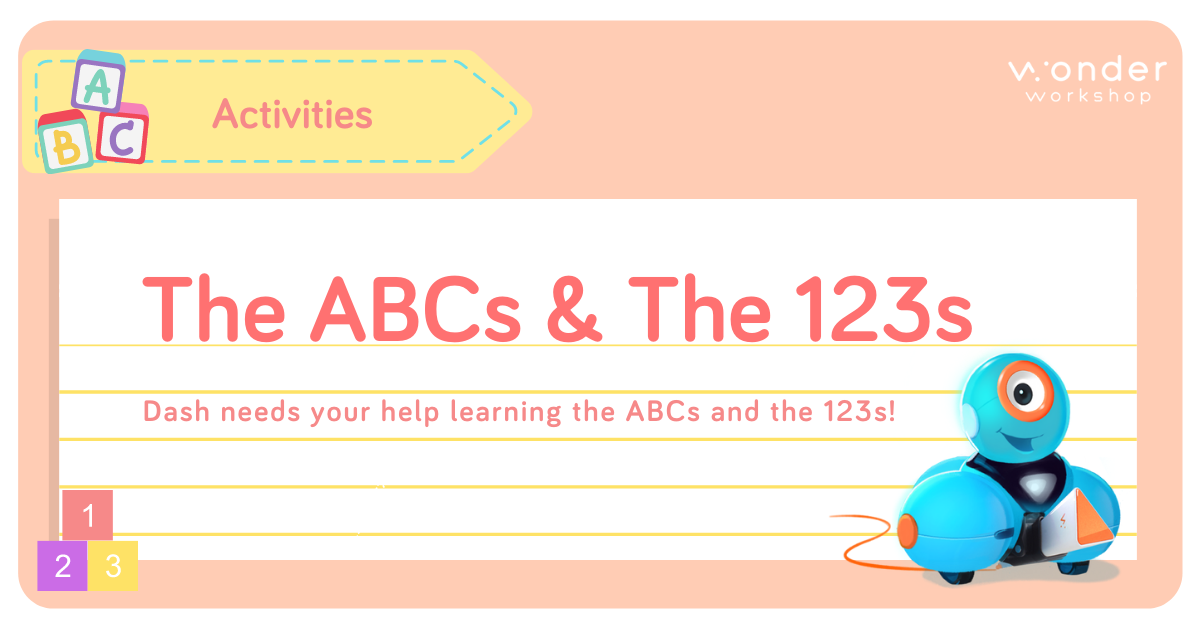
Welcome back to another exciting school year! As your students return full of curiosity and energy, it’s the perfect time to spark their creativity while reinforcing foundational skills. This year, why not combine literacy, numeracy, and coding in a hands-on activity that turns learning into an adventure? With Dash Robot and the Sketch Kit, students can program Dash to draw letters, numbers, words, and even creative designs—all while practicing problem-solving, sequencing, and spatial reasoning.

✏️ ABCs & 123s Activity Packets

In this packet, students use Blockly lub Wonder to code Dash with Sketch Kit so that the robot writes letters and numbers right on the page. By programming Dash’s movements with precision, learners get a tangible connection between their code and a visual result. From spelling words to mirrored writing, from rhyming games to creative typography, this is coding that jumps off the screen and onto paper.

📄 About These Packets

These packet give students step-by-step instructions for coding Dash to draw every letter of the alphabet and the numbers 0–9 using the Sketch Kit. Each page includes a program key—a unique code that links directly to the Blockly or Wonder program that will draw that letter or number. These keys serve as an “answer key” for your activity, letting students compare their own coding solutions with a pre-built version.

🔑 How to Use Program Keys

Wonder Workshop’s program keys make it easy to share code without having to manually recreate it block-by-block. Each program key is a short combination of letters and numbers, along with a link. To use one:

  1. Open the Blockly app on your device.

  2. Go to the “Menu”  and pick your own profile. Then click on My Projects. In the upper right hand corner, there is a download icon. Tap on that.

  3. Select “Enter Program Key” and type in the code exactly as shown.

  4. The app will instantly load the saved program, ready for you to run, explore, or modify.

Students can use the keys in this packet to quickly load the drawing code for each letter or number, then compare it to their own work, make adjustments, or remix the code for creative variations.

Instructions for loading a program key in the Wonder App can be found here.

Need a Sketch Kit?

Sketch Kit is our accessory that enables kids to see the results of their code on a large canvas. The harness attaches the dry-erase markers (included) to the robot so the markers draw a line as Dash moves.

Need a Sketch Mat?

We’ve partnered with Geyer to bring you a dry–erase whiteboard mat. There’s a grid on one side and it’s blank on the other. Measuring 100″ x 52″, this mat provides an expansive canvas.

🚀 Why Kids Will Love It (and You Will Too!)

This activity isn’t just about making shapes—it’s about making connections. Students will:

  • Build literacy skills by coding Dash to write their spelling words, explore symmetry in letters, and create word-based art.

  • Strengthen numeracy by programming numbers in standard form, Roman numerals, or even binary.

  • Flex creativity by designing stylized letters, adding shadows, experimenting with spacing, or even coding Dash to draw a BINGO board.

  • Develop critical thinking by editing and troubleshooting their programs to get exactly the result they want.

Ready to get started? Download the full “ABCs & 123s” worksheet, grab your Sketch Kit, and let Dash lead your students on a back-to-school coding journey they’ll remember all year.

WAKACJE 2025

Podaruj cudowny prezent

Przez ograniczony czas oszczędzaj duże pieniądze na prezentach, Kreska lub Wonder Pack.

Wyprzedaż przedłużona do 18 grudnia 2025 roku!

Drogi nauczycielu,

Informujemy o zbliżającej się korekcie cen sprzętu Wonder Workshop, która wejdzie w życie 9 października 2025 r..

Ze względu na wzrost ceł na import z Filipin o 19%, nasze koszty znacznie wzrosły. Zdajemy sobie sprawę, że budżety szkół są napięte i nie była to decyzja podjęta pochopnie. Korekty te tylko częściowo równoważą wyższe koszty, które pochłaniamy.

Aby nadal dostarczać wysokiej jakości produkty i wsparcie, wprowadzimy następujące zmiany:

  • Launcher: $29,99 → $34,99 sugerowana cena detaliczna

  • Zestaw do szkicowania: $39.99 → $44.99 MSRP

  • Chwytak: $39,99 → $44,99 sugerowana cena detaliczna

  • Dash Robot: $179,99 → $189,99 MSRP

  • Wonder Pack: $269,99 → $289,99 sugerowana cena detaliczna

  • Dash 12-Pack: $1,795 → $1,895 MSRP

Pakiety zawierające oprogramowanie (takie jak subskrypcje Make Wonder) pozostaną niezmienione, zapewniając możliwość skorzystania z oszczędności wbudowanych w te pakiety. .

Co to oznacza dla użytkownika:

  • Wszystkie oferty wydane przed 1 października będą honorowane po aktualnych cenach do daty ich wygaśnięcia.

  • Wszelkie nowe oferty lub złożone zamówienia 9 października lub później będzie odzwierciedlać zaktualizowane ceny.

  • Zachęcamy do złożenia zamówienia we wrześniu, aby zapewnić sobie dzisiejsze ceny.

Nasze zobowiązanie pozostaje niezmienne: pomagać uczniom w nauce kodowania i robotyki w możliwie najbardziej przystępny sposób.

Jeśli masz otwartą ofertę lub potrzebujesz pomocy w sfinalizowaniu zamówienia, nasz zespół jest tutaj, aby Ci pomóc.

Dziękujemy za partnerstwo i za wszystko, co robicie, aby inspirować kolejne pokolenie osób rozwiązujących problemy.

Z poważaniem,
Bryan Miller
Wiceprezes ds. rozwoju strategicznego i edukacji

OFERTA SPECJALNA ISTE

Pobierz Make Wonder STEM Classroom za jedyne $99!

Make Wonder STEM Classroom wyposaża 1 nauczyciela i 35 uczniów w kompleksowe rozwiązanie do kodowania i robotyki dla klas K-8.

Oferta przedłużona do 7 lipca 2025 roku!

BĄDŹ NA BIEŻĄCO

Dołącz do naszej listy e-mailowej

Uzyskaj dostęp do bezpłatnych zasobów, specjalnych promocji i najnowszych ogłoszeń.