

Blockly dla Dash - W sieci

Udostępnij post:

With the New Free Tier, Student Profiles Are Available to All Who Set Up a Classroom in Make Wonder (Class Connect).

You may have heard that we are rolling out a bunch of new features in what was called Class Connect – so many new features that we’re renaming it Make Wonder!

This article explains how you can leverage the free tier of Make Wonder to set up student accounts inside of Blockly, allowing them to save work and maintain progress.

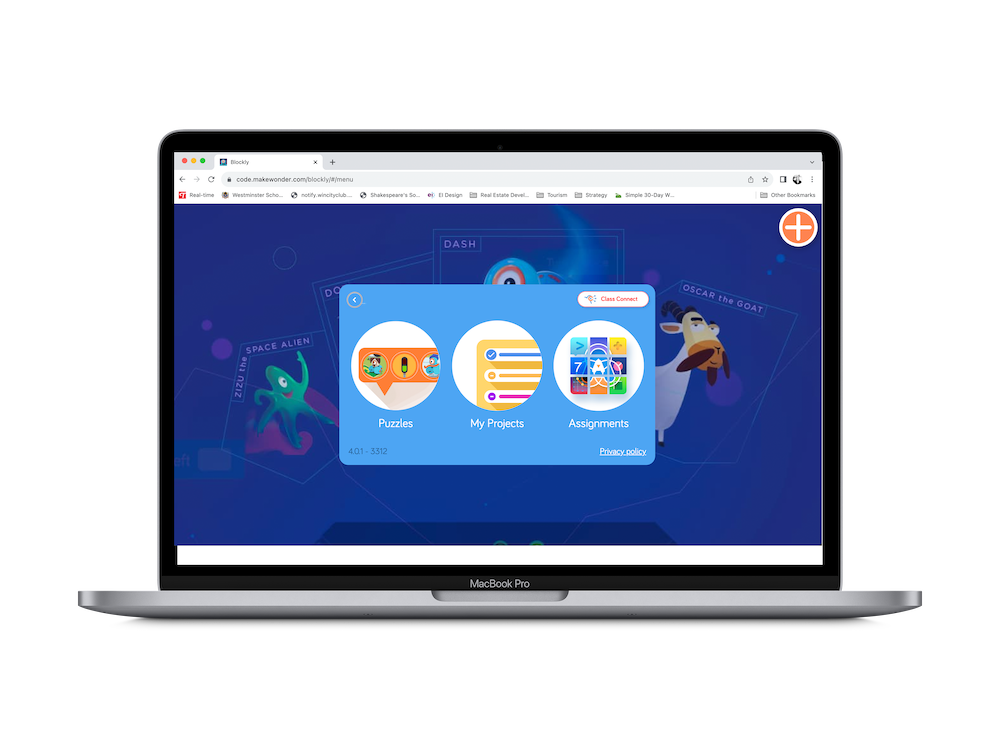
This article also draws attention to the fact that Blockly is not only available for mobile devices. It can be accessed directly on the web (Chrome browser supported).

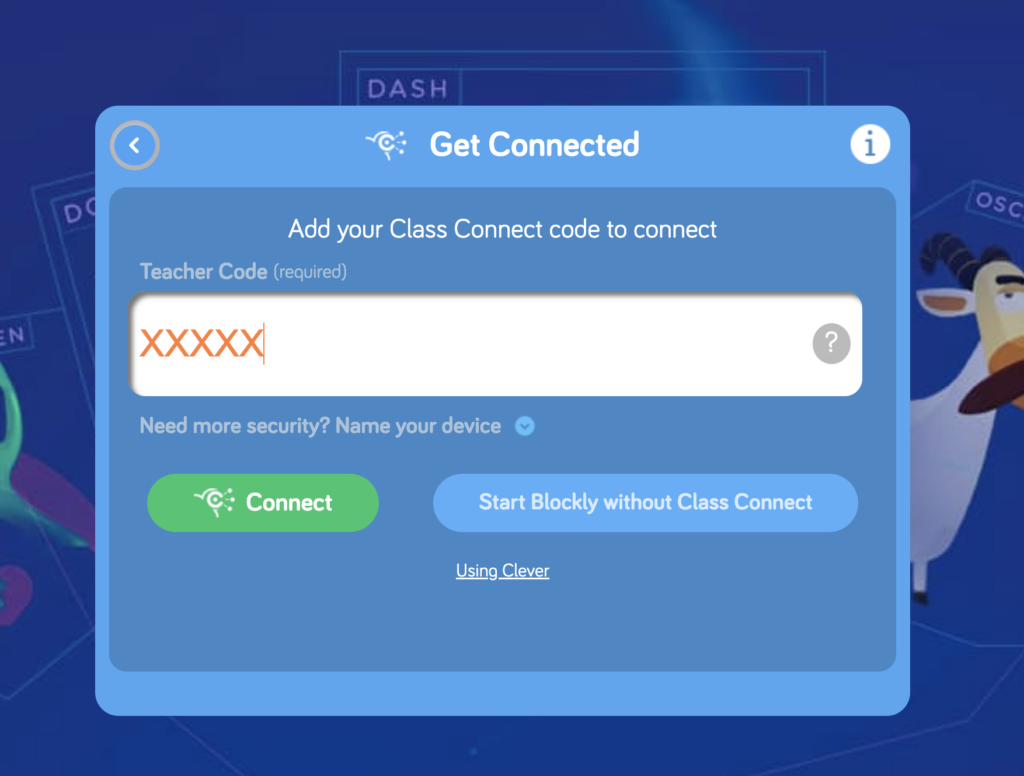
When kids launch Blockly on the web, they need to enter a teacher code to find their profile inside. When they complete puzzles, their progress is saved and the teacher can view that progress inside the Portal!

Ready to get started? Let’s go!

Step 1
Sign Up or Log In

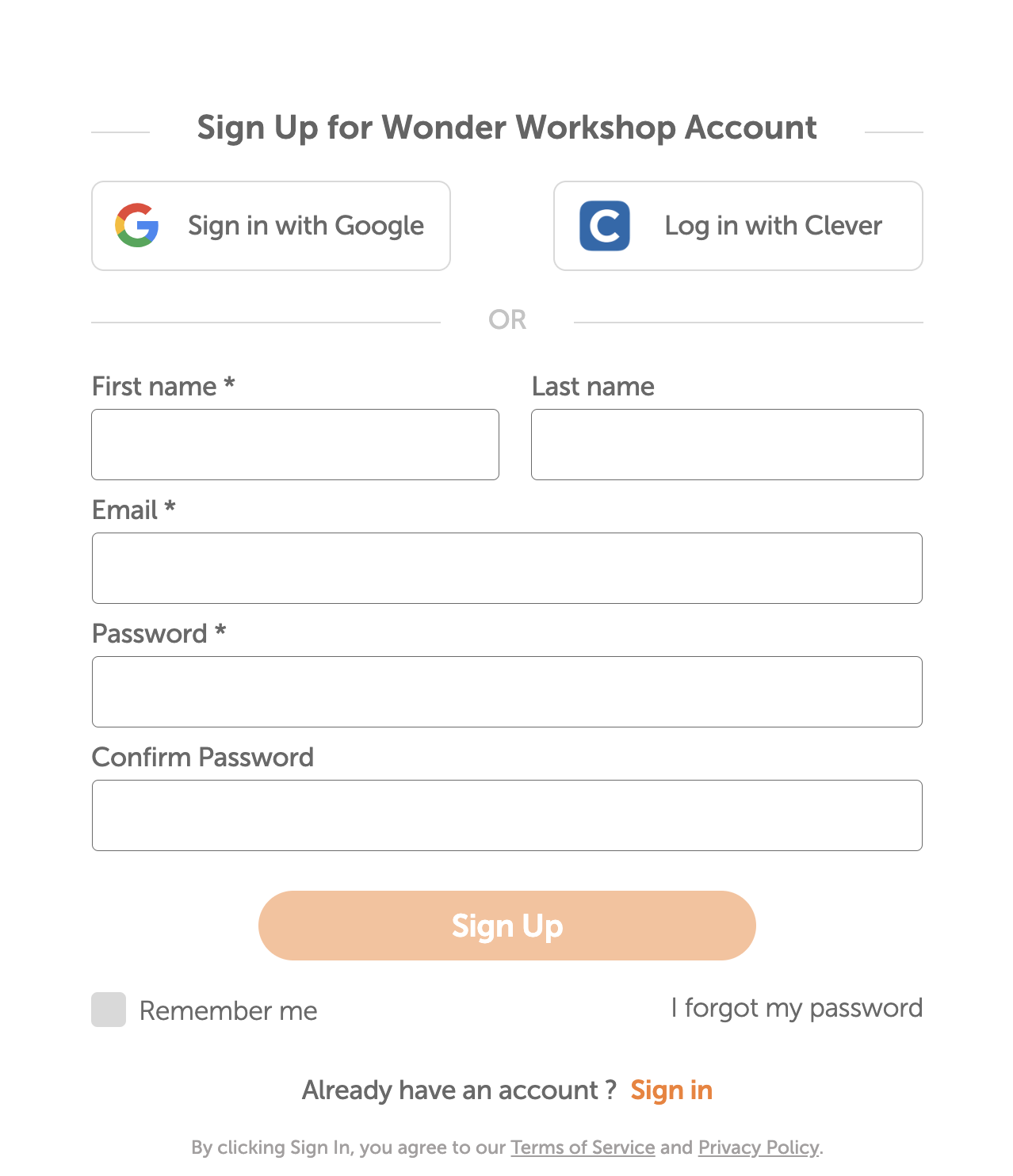
The first step is to make sure that you, the teacher, are logged into the Make Wonder (Class Connect) portal. If you don’t have an account yet, get started by signing up. It’s free and new for this year, it doesn’t expire!

Proceed through the onboarding screens to get your account all set up.

Step 2
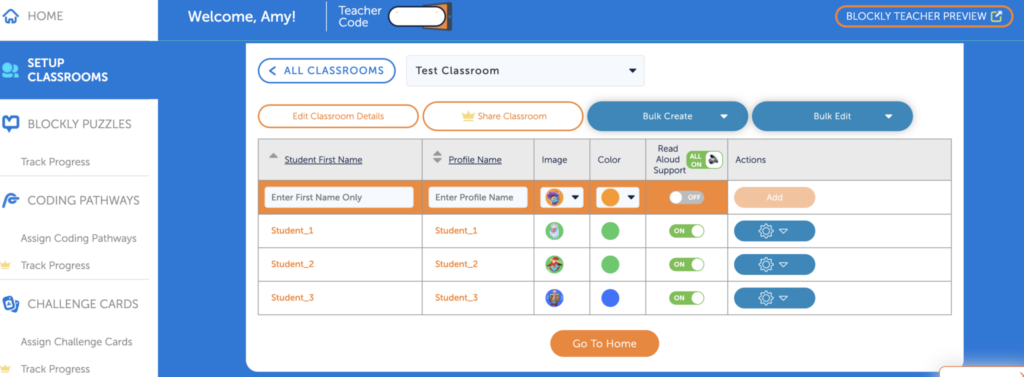
Set Up Your Classroom

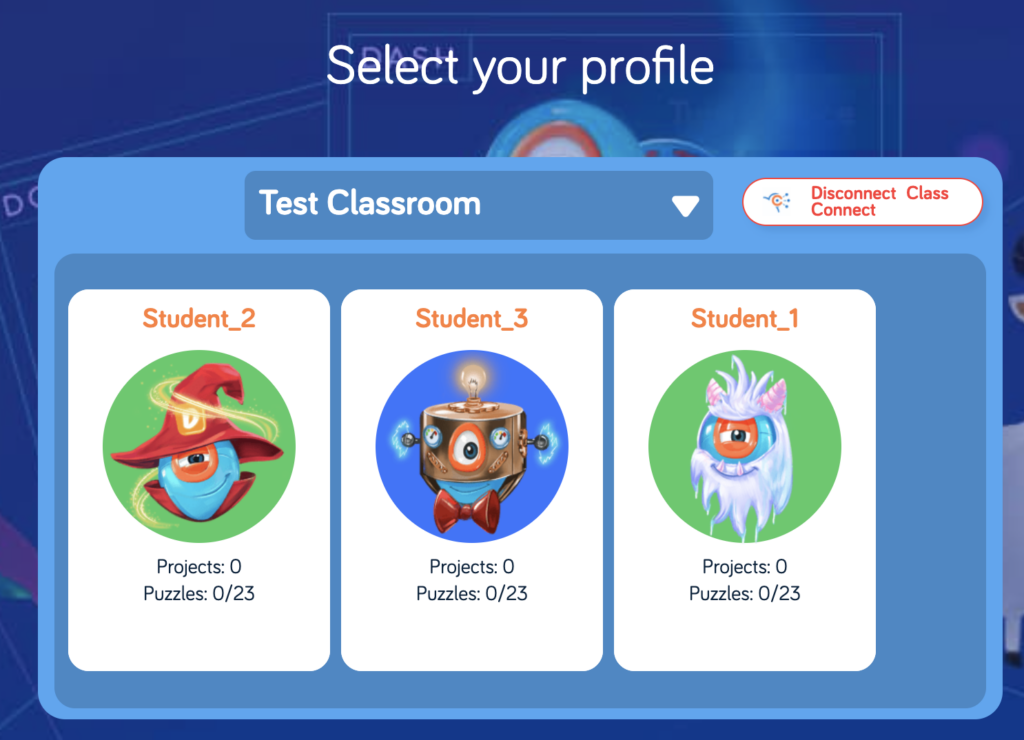
The next step is to set up your classroom. For student names, enter only first names. Also choose a profile name that will be visible inside of Blockly (to students who use your Teacher Code). Kids look for their profile card and then click on it to load their activity and pick up where they left off.

Step 3
Launch Blockly & Enter Your Teacher Code

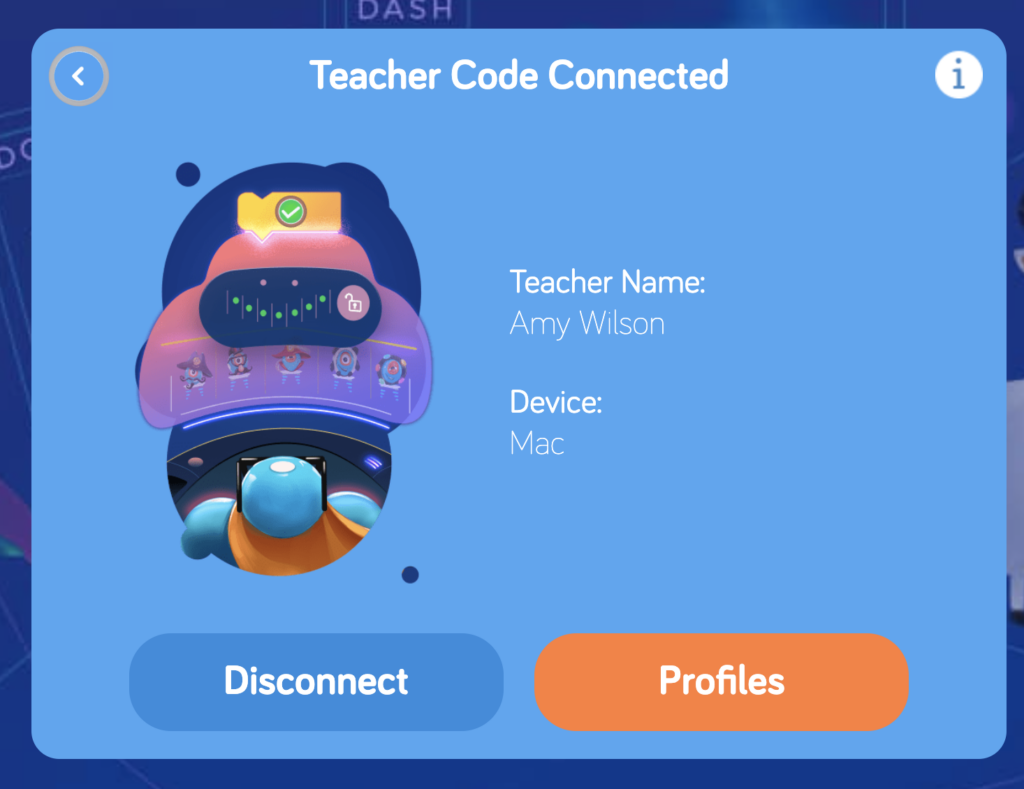
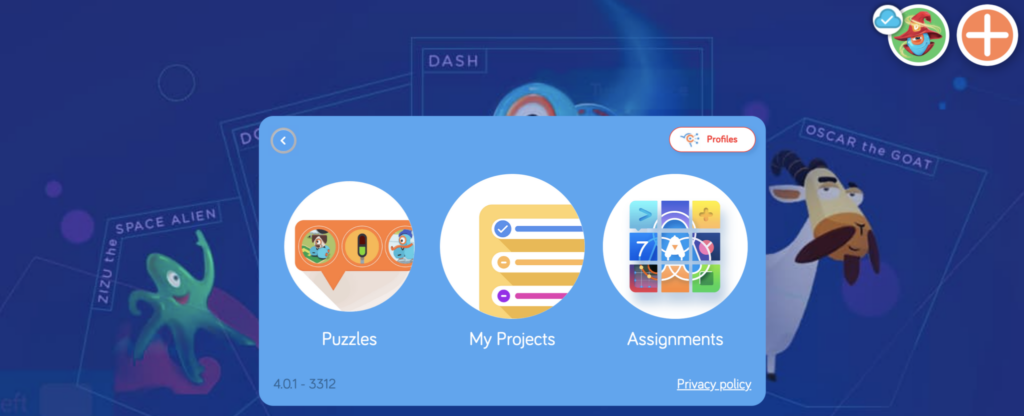
Your Teacher Code can be found just beneath the Navigation Bar in the portal. If you launch Blockly from inside the portal, your Teacher Code will be populated in the field automatically. Students can enter the code manually.

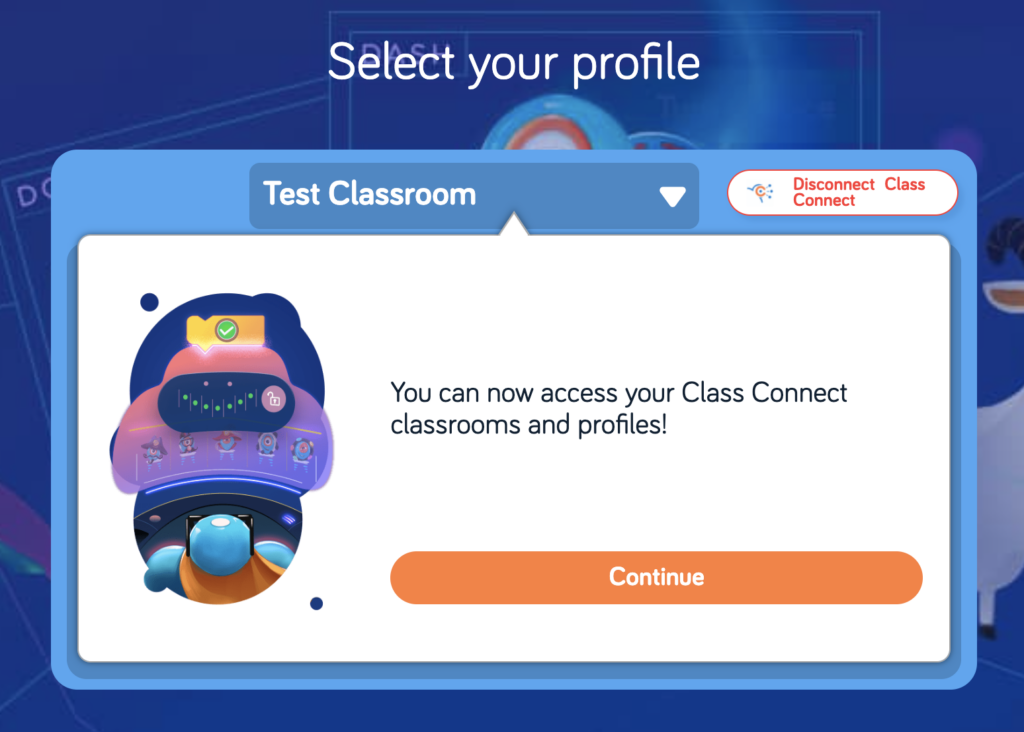
Click through the next screens until you arrive at the Profile Cards. Each student should find their own profile card and click on it to get started or resume. 

Step 4
Students Connect Dash

See that big orange + sign in the upper right hand corner? That’s the button kids push in order to connect Dash to Blockly so they can program the robot.

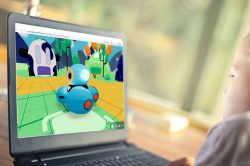
When accessing Blockly with a free Make Wonder (Class Connect) Teacher account, students need a physical Dash to program. The full Make Wonder license provides a Virtual Dash right inside of the Blockly App.

virtualrobot-scaled-pbtmnks7d1416wcgcyfv9dzzlech2sdiiwewoxbda4
A full Make Wonder license unlocks a Virtual Dash inside of Blockly.

Step 5
Students Start Solving the Puzzles

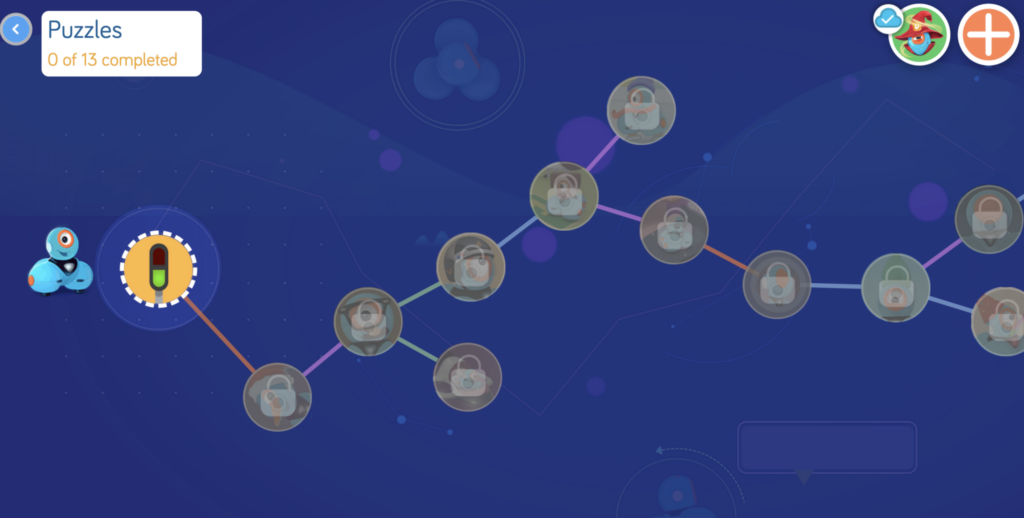
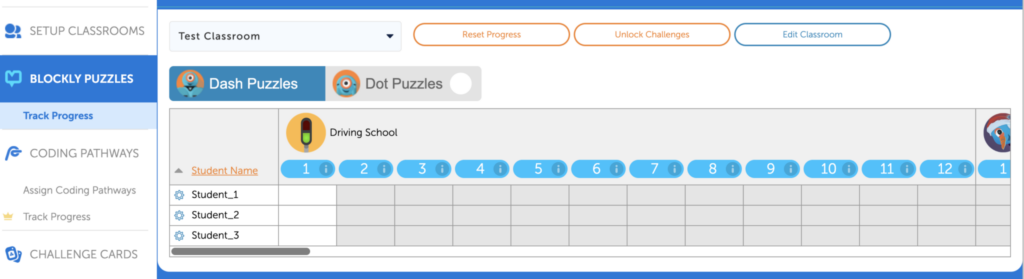
Now students can start their coding journey by tapping on the first icon. Each puzzle builds on the one before it and completing a puzzle unlocks the next one. You can watch your students’ progress through these puzzles in the Make Wonder dashboard!

Student view of the Puzzles
Teacher View of the Progress Tracker

Many additional features are adding to Blockly when you move from Make Wonder Basic, the free tier, to a full Make Wonder subscription.

These additional features make it even easier to teach coding by providing student-facing, multimedia coding lessons, the Virtual Dash, coding challenges that are aligned to Math standards, standards-aligned Challenge Cards and more. To see how these features fit into a Make Wonder subscription, click around inside of the Basic subscription and preview them. 

For more tips and tricks, join our Global Educator Community on Facebook!

Or sign up to attend one of our webinars!

WAKACJE 2025

Podaruj cudowny prezent

Przez ograniczony czas oszczędzaj duże pieniądze na prezentach, Kreska lub Wonder Pack.

Wyprzedaż przedłużona do 18 grudnia 2025 roku!

Drogi nauczycielu,

Informujemy o zbliżającej się korekcie cen sprzętu Wonder Workshop, która wejdzie w życie 9 października 2025 r..

Ze względu na wzrost ceł na import z Filipin o 19%, nasze koszty znacznie wzrosły. Zdajemy sobie sprawę, że budżety szkół są napięte i nie była to decyzja podjęta pochopnie. Korekty te tylko częściowo równoważą wyższe koszty, które pochłaniamy.

Aby nadal dostarczać wysokiej jakości produkty i wsparcie, wprowadzimy następujące zmiany:

  • Launcher: $29,99 → $34,99 sugerowana cena detaliczna

  • Zestaw do szkicowania: $39.99 → $44.99 MSRP

  • Chwytak: $39,99 → $44,99 sugerowana cena detaliczna

  • Dash Robot: $179,99 → $189,99 MSRP

  • Wonder Pack: $269,99 → $289,99 sugerowana cena detaliczna

  • Dash 12-Pack: $1,795 → $1,895 MSRP

Pakiety zawierające oprogramowanie (takie jak subskrypcje Make Wonder) pozostaną niezmienione, zapewniając możliwość skorzystania z oszczędności wbudowanych w te pakiety. .

Co to oznacza dla użytkownika:

  • Wszystkie oferty wydane przed 1 października będą honorowane po aktualnych cenach do daty ich wygaśnięcia.

  • Wszelkie nowe oferty lub złożone zamówienia 9 października lub później będzie odzwierciedlać zaktualizowane ceny.

  • Zachęcamy do złożenia zamówienia we wrześniu, aby zapewnić sobie dzisiejsze ceny.

Nasze zobowiązanie pozostaje niezmienne: pomagać uczniom w nauce kodowania i robotyki w możliwie najbardziej przystępny sposób.

Jeśli masz otwartą ofertę lub potrzebujesz pomocy w sfinalizowaniu zamówienia, nasz zespół jest tutaj, aby Ci pomóc.

Dziękujemy za partnerstwo i za wszystko, co robicie, aby inspirować kolejne pokolenie osób rozwiązujących problemy.

Z poważaniem,
Bryan Miller
Wiceprezes ds. rozwoju strategicznego i edukacji

OFERTA SPECJALNA ISTE

Pobierz Make Wonder STEM Classroom za jedyne $99!

Make Wonder STEM Classroom wyposaża 1 nauczyciela i 35 uczniów w kompleksowe rozwiązanie do kodowania i robotyki dla klas K-8.

Oferta przedłużona do 7 lipca 2025 roku!

BĄDŹ NA BIEŻĄCO

Dołącz do naszej listy e-mailowej

Uzyskaj dostęp do bezpłatnych zasobów, specjalnych promocji i najnowszych ogłoszeń.