
🚀 Welcome Back, Teachers! Let’s Get Ready for an Amazing Year of Coding & Robotics
Welcome back to school, teachers! We know you’re busy setting up classrooms, planning lessons, and thinking about how to make this year your most engaging one yet.
This post is here to help you feel confident teaching block coding—the visual, beginner-friendly programming language used in Blockly for Dash and Dot. By the end, you’ll have a solid grasp of how block coding works, how kids use it to control their robots, and where to find resources to make teaching it fun and interactive.
🧩 What Is Block Coding?
Block coding is like building with digital LEGO bricks. Instead of typing lines of code, students drag and drop colorful coding “blocks” that each represent a command or instruction for Dash. These blocks connect together like puzzle pieces, forming a sequence that Dash will follow.
Each block is pre-written code wrapped inside an easy-to-use visual element—so students can focus on what they want Dash to do rather than worrying about punctuation, spelling, or syntax errors. It’s an ideal entry point for students who are new to programming, as it builds computational thinking skills without overwhelming them.

🎨 The Color-Coded Language of Blockly
One of the easiest ways to navigate Blockly is by learning its color-coded categories. Each color represents a different type of instruction for Dash:
Blue – Movement Blocks: Move forward, turn, go backward—these tell Dash how to move.
Pink – Look & Light Blocks: Control Dash’s lights, eye expressions, and head movements.
Purple – Sound Blocks: Play sounds, say words, or even make Dash “sing.”
Orange – Events Blocks: Trigger actions when something happens (like pressing a button or detecting an obstacle).
Yellow – Control Blocks: Loops, waits, and repeats—these help Dash do something multiple times or pause between actions.
Green – Variables & Functions: Store information or create custom sets of commands for re-use.
Students can quickly learn to spot the right type of block by its color, which makes programming more intuitive—and more fun.

🖱 How Kids Build Programs in Blockly
Here’s what the process looks like in a student-friendly workflow:
Pick a Category: Students choose a color-coded block category based on what they want Dash to do.
Drag & Drop: They drag blocks from the toolbox into the workspace.
Snap Blocks Together: Just like puzzle pieces, blocks “click” into place when connected in the right way.
Sequence the Actions: The order of the blocks determines the order of actions.
Run the Program: Students tap “Start” in the Blockly app, and Dash springs into action—following the exact commands they’ve created.
Debug if Needed: If Dash doesn’t behave as expected, students revisit their sequence, rearranging or swapping blocks to fine-tune the program.
This process not only teaches coding but also develops problem-solving, logical thinking, and persistence.
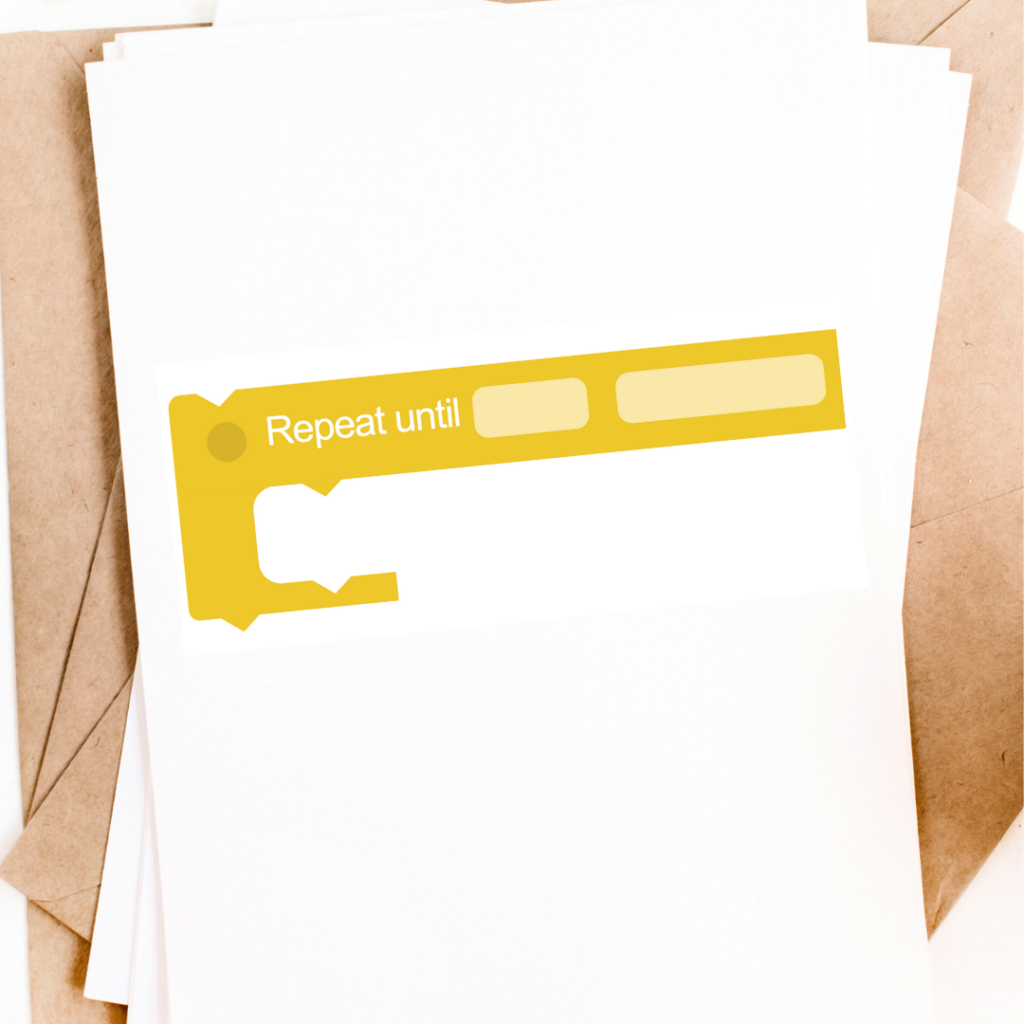
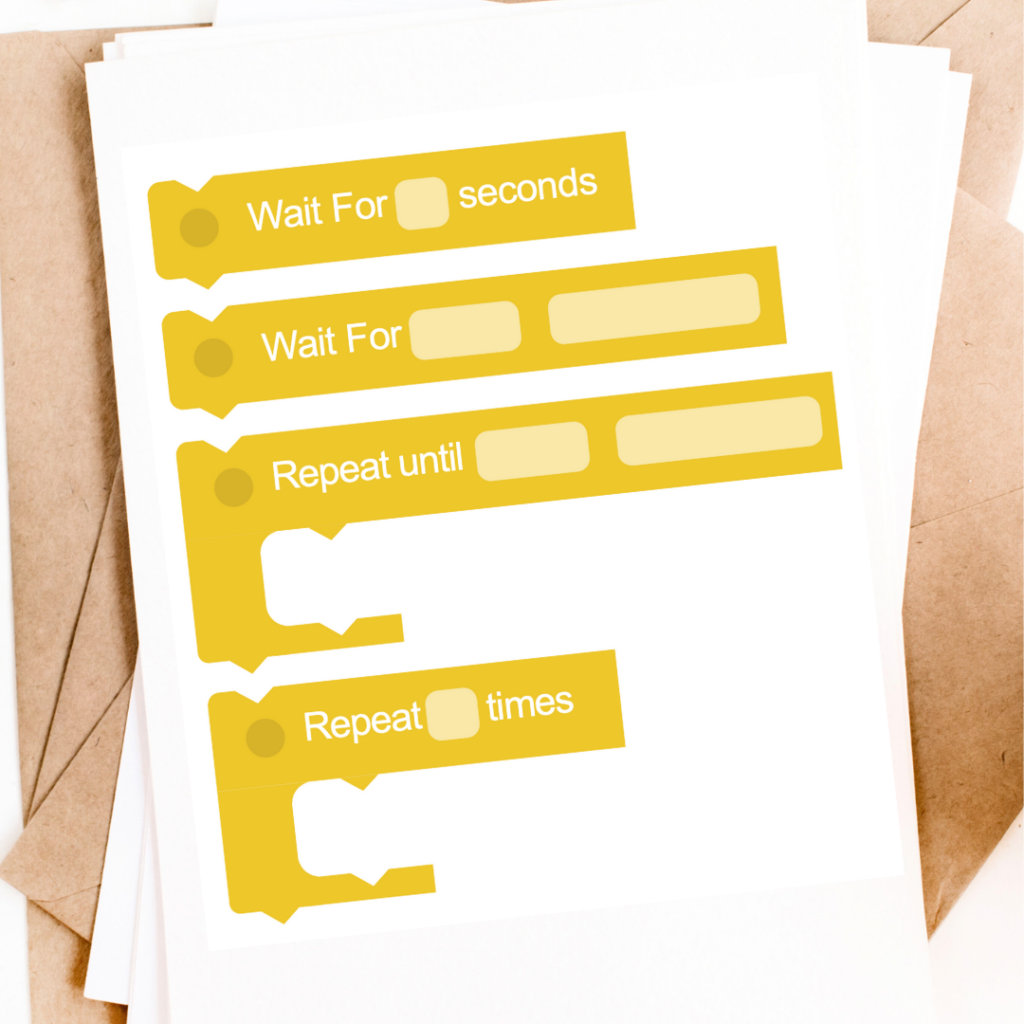
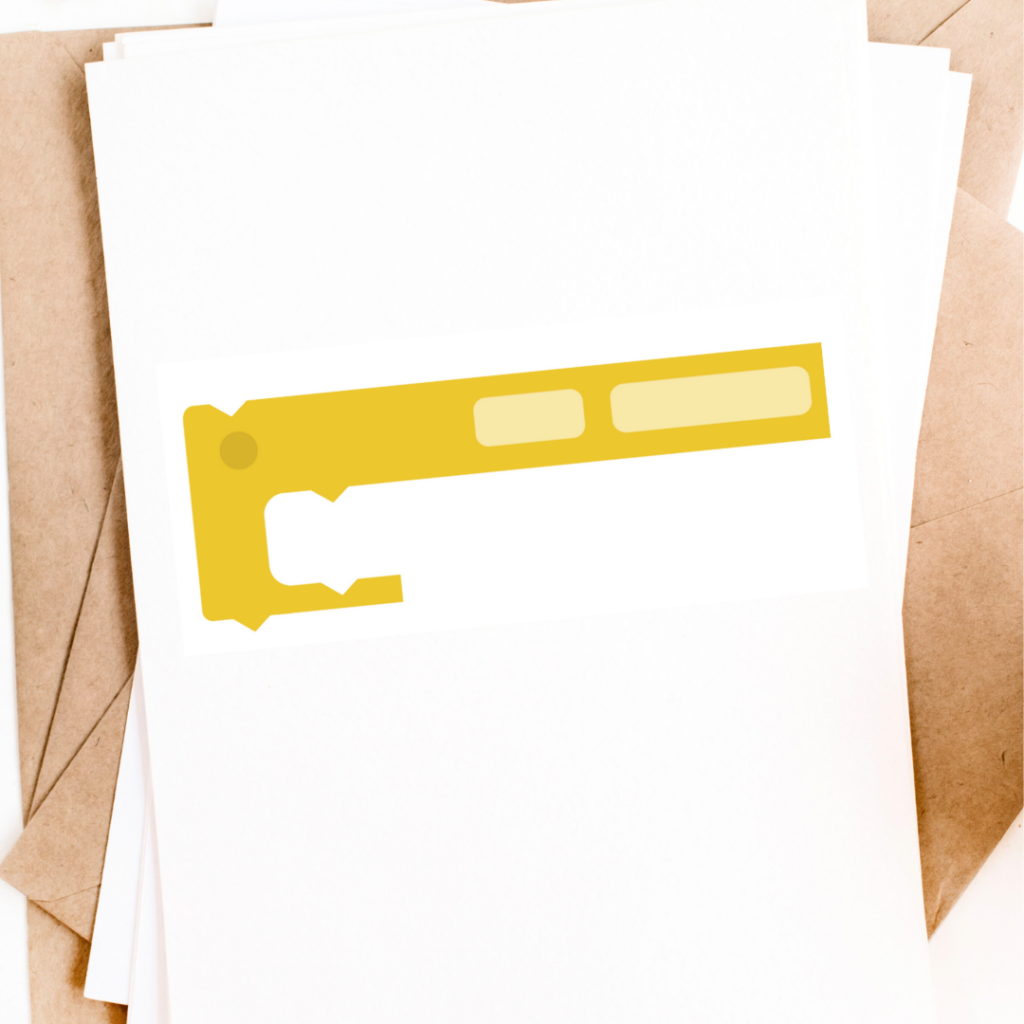
Printable Blocks - 3 Ways
Thee printable Blocks will help you demonstrate coding concepts without the need for firing up the laptop or tablet. Use the Blank Printable Blocks to create them in your students’ first language!
📚 Classroom Resources for You
To make it easier for you to introduce or review block coding with your students, we’ve prepared a set of ready-to-use resources:
Blockly Scavenger Hunt Worksheet – A fun way for students to explore and identify different types of blocks in the Blockly app.
Slide Deck: Intro to Block Coding Grades 3-5 – Explains the basics, with visuals of the block categories, examples of commands, and discussion prompts.
Printable Coding Blocks – Perfect for hands-on, unplugged activities where students can “build” programs away from the screen.
Blockly Overview for Grade K-1 – Consult an earlier blog post we wrote that focus on how to teach Blockly to early and pre-readers.

✨ Final Tip for the New School Year
Don’t be afraid to let students explore! One of the best ways for them to learn is by experimenting—seeing what happens when they swap a block, change a number, or reorder their sequence. Mistakes aren’t setbacks in coding—they’re learning moments.
This year, as your students use Blockly and Dash to create, experiment, and play, you’ll see just how much confidence they gain—not just in coding, but in themselves as problem-solvers.









 English
  German
  Spanish
  French
  Polish
  Dutch
Dutch  Portuguese
  Czech
Czech 

