Get ready to roll.
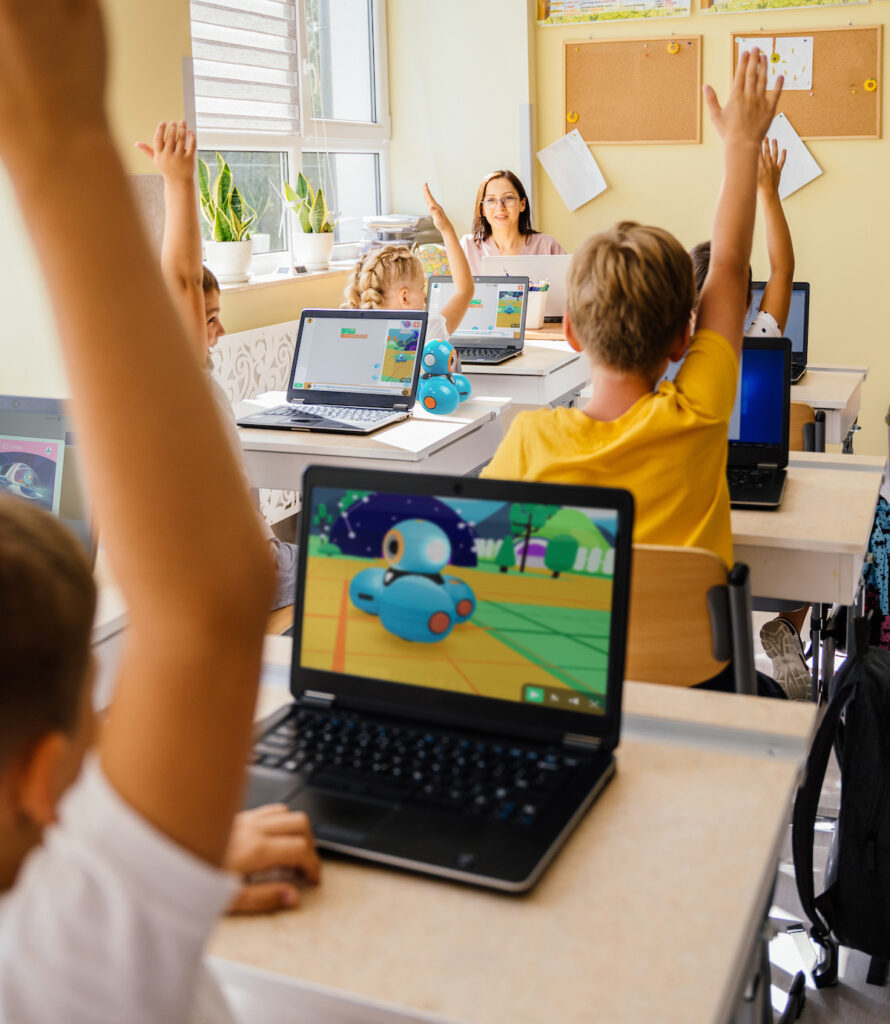
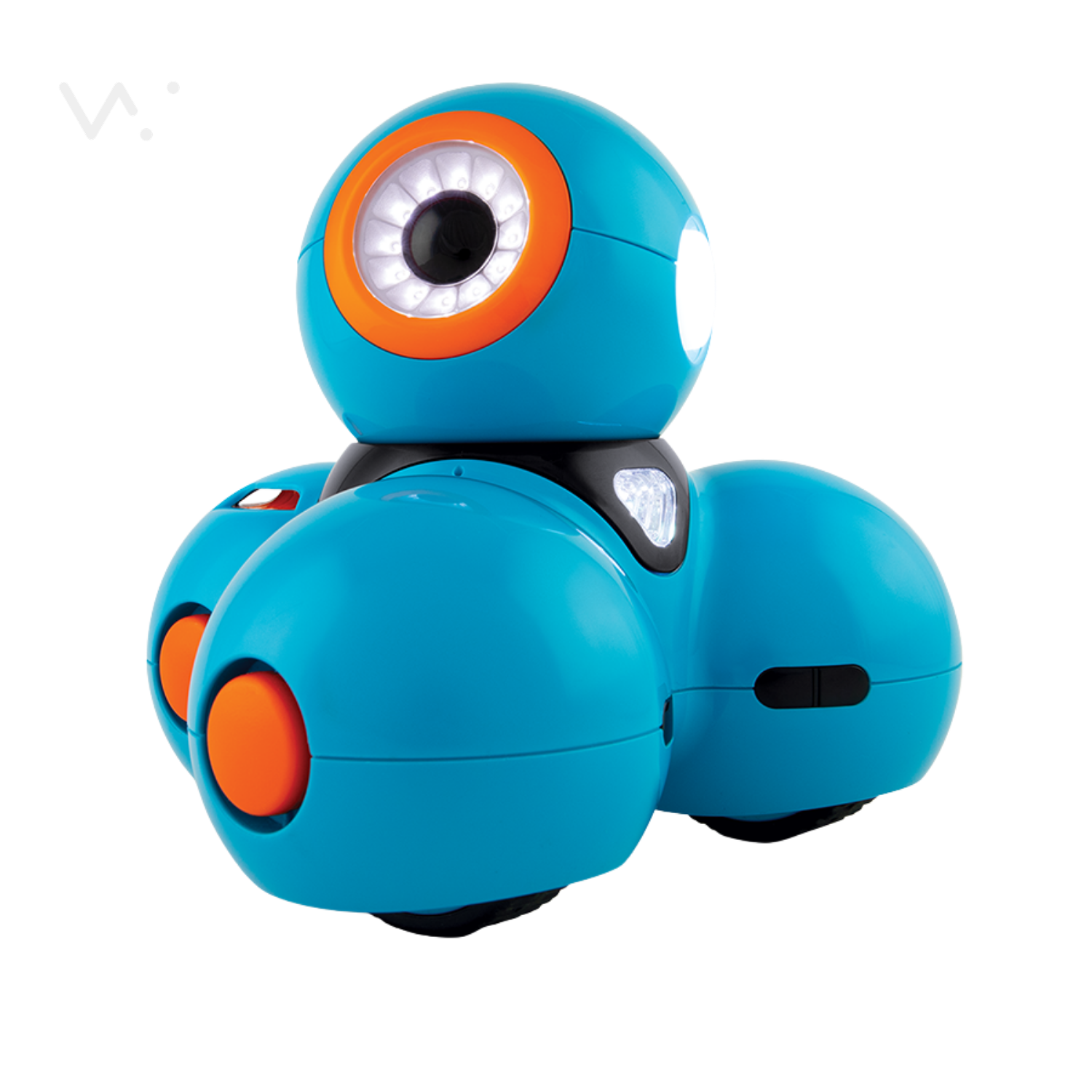
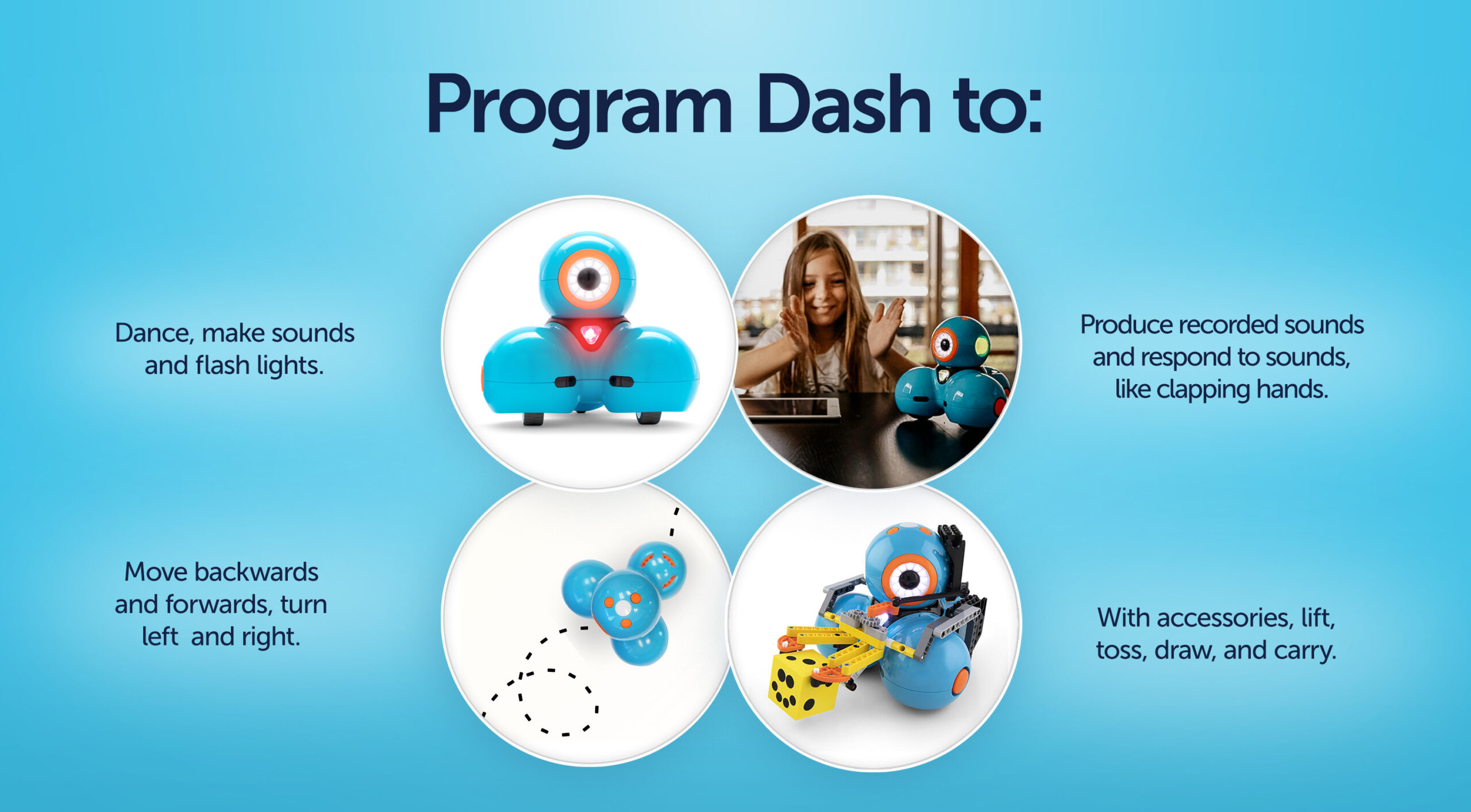
Dash is beloved by kids and teachers across the US and around the world. Dash is smart enough to respond to voices and sounds and Dash can dance and sing, which makes for a fun and interactive learning experience for kids. Dash will help kids learn, laugh, and grow.


Inspire Imaginations
Our award-winning Dash robot, suite of apps, and Make Wonder platform encourage play and learning to make creative problem-solving concrete and tangible. Our vision is to inspire kids of all ages by giving them tools to imagine and invent the future.
Designed for learning, engineered for fun.
APPS
Progress through age-appropriate apps
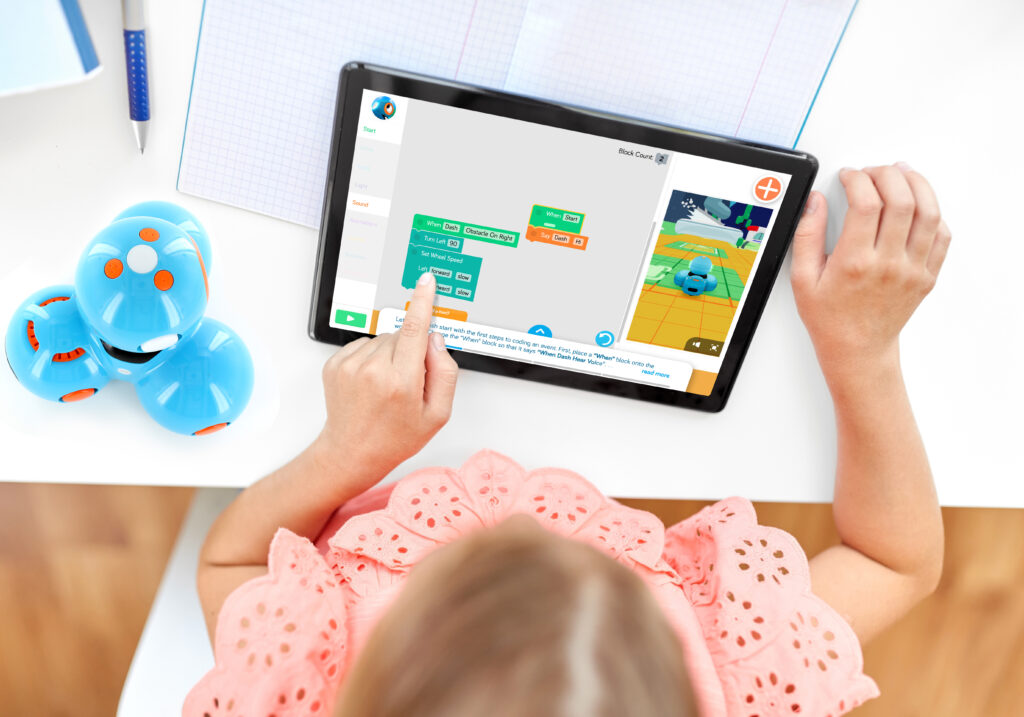
Discover an app for every age group, learning style, and play pattern. Learn about Blockly, Wonder, Blockly Pro and more, available on multiple platforms and certified KidsSafe.
Inspire imaginations further with accessories for Dash
LAUNCHER
Get ready to score big.
With a simple robot head nod, launch balls with precision and accuracy at targets or into containers.
SKETCH KIT
Bring code to life
With Sketch Kit, kids can visualize the results of their code on a large-scale, dry-erase surface. Express creativity and exercise critical thinking and spatial reasoning skills while drawing geometric shapes of any kind.
GRIPPER BUILDING KIT
Lift + carry your imagination further.
The Gripper Building Kit, designed exclusively for Wonder Workshop Dash and Cue robots, is an easy-to-construct set of functioning arms that expand your robots’ capabilities.
Dash Robot FAQ
Dash is a fun, programmable robot from Wonder Workshop, now part of MORAVIA Education. It arrives fully assembled and charged. Students use free apps to program Dash to move, turn, light up, play sounds, respond to voices, and react to obstacles. Dash helps children learn coding and robotics through hands-on play.
Dash is ideal for kids ages 5 to 14, making it a great choice for elementary and middle school students. It’s perfect for introducing kids to coding, robotics, and problem-solving at an early age and grows with students when they’re ready to tackle more complex coding concepts and programming languages, like JavaScript.
No. The Make Wonder platform includes a Read Aloud toggle teachers can turn on for early or emerging readers. Puzzles are also heavily visual, so students who struggle with text can still work independently.
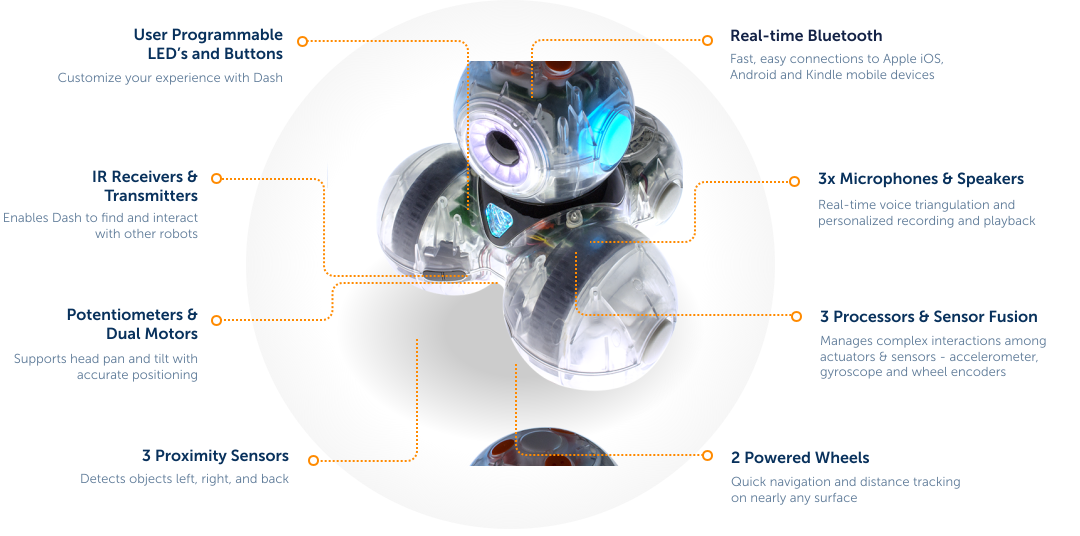
No. Dash does not contain a camera. It uses sensors to detect obstacles, hear sounds, and respond to button presses.
No. Dash uses block-based coding, so students drag and connect visual blocks instead of typing syntax. Elementary school students can start in Blockly, where they build sequences, then move into loops, events, and conditionals before transitioning to text-based coding.
Not on tablets or phones. Once the apps are installed on an iPad or Android tablet or phone, an internet connection is not required to code a physical Dash. You do need internet to download the apps and to use Blockly for the web on a laptop or Chromebook.
Once fully charged, the battery lasts for approximately 5 hours of active play. Charge time is under an hour. Plan on charging robots between class periods rather than during them, and check the port light: it blinks while charging and holds steady when the battery is full.
No. The lithium-ion battery is internal and not user-replaceable. Attempting to remove it can void the warranty. If a robot stops holding a charge, open a support ticket at help.makewonder.com.
Three things: Dash has a personality, Dash comes ready to use, and Dash senses the world well enough to react to it. Dash turns and tilts its head, lights up in color, plays sounds, and can speak in a voice students record themselves. Students name their robot. They talk to it. They apologize to it when it runs into a wall. Persistence through failure is difficult to teach directly and easy to get from a robot students care about. Dash arrives fully assembled and charged, with no construction step, no batteries to insert, and no small parts to lose between periods. Dash detects obstacles in front and behind, hears sound and locates the direction it came from, and takes input from the buttons on its head. Those inputs are what let students write conditionals and events rather than only sequences. It also opens up maze challenges, follow-the-sound tasks, and interaction between students and robots that go beyond driving a route. Dash does all of this without a camera, which keeps the privacy conversation with families and IT simple.
Yes, because the coding environment changes even though the hardware does not. Younger students start by drawing routes and sequencing simple blocks. From there they move into Blockly, where loops, events, functions, and conditionals build across the year. Students who are ready to go further use Blockly Pro, which lets them toggle between block coding and JavaScript in the Chrome browser. A school buying Dash for a 1st grade classroom is buying hardware that still has somewhere to go in 6th grade, which changes the math on a district purchase.
This is where Dash tends to do its best work, especially across mixed ages. Group work around one robot produces brainstorming and negotiation rather than parallel play. A younger child can propose what Dash should do while an older one writes the commands, and both are contributing to the same problem. Wonder Workshop encourages teachers to help students choose roles, for example:
- Code Wrangler / Programmer: Writes, tests, and adjusts the block-based or text code in apps like Blockly to control the Dash robot.
- Robot Handler / Navigator: Positions the physical robot on the challenge mat, measures distances, and ensures accurate physical alignment.
- Data Scribe / Recorder: Tracks mission progress, writes down testing outcomes, and keeps the team journal or logs.
- Builder / Engineer: Designs and attaches physical accessories, add-ons, or tools onto the robot to solve specific spatial challenges.
- Project Manager / Team Lead: Coordinates group strategy, reads the mission briefs, and keeps team members on schedule.