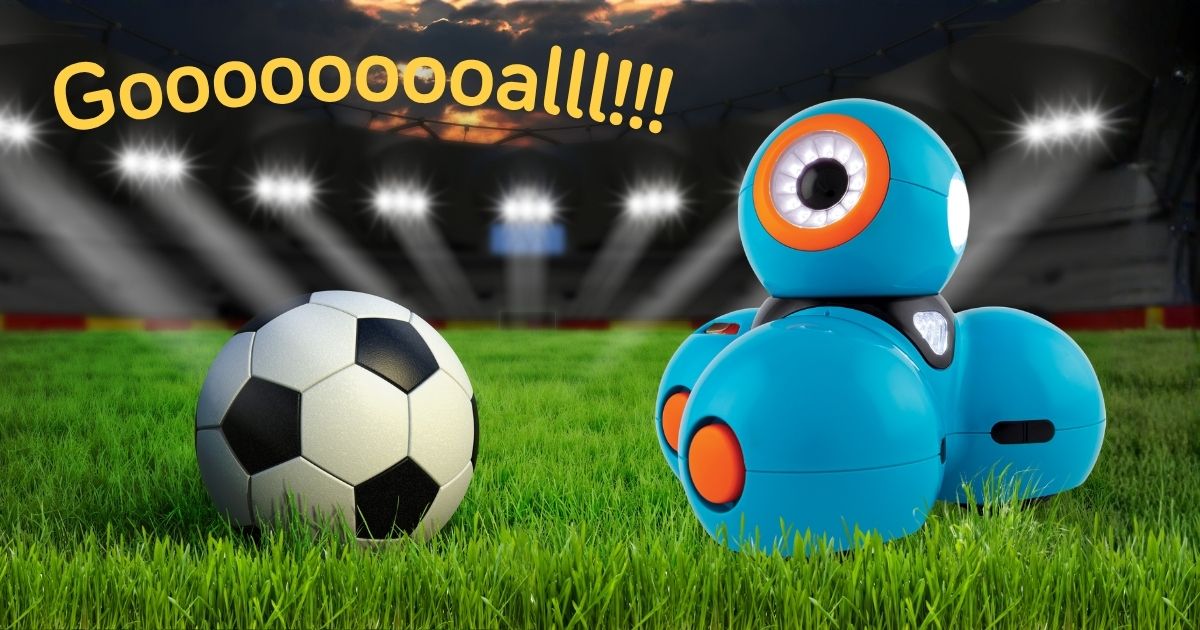
Dash Scores a Gooooooooal!

Share the Post:

What’s more exciting than coding with Dash? Coding with Dash and soccer!

This activity packet brings Dash and Soccer together so kids can get in on the World Cup action in a new and creative way. Kids will build legs out of building bricks, program Dash to kick balls into the goal, and even trade Dash soccer player cards with their friends.

Here’s everything you need to set up your own Dash Soccer experience.

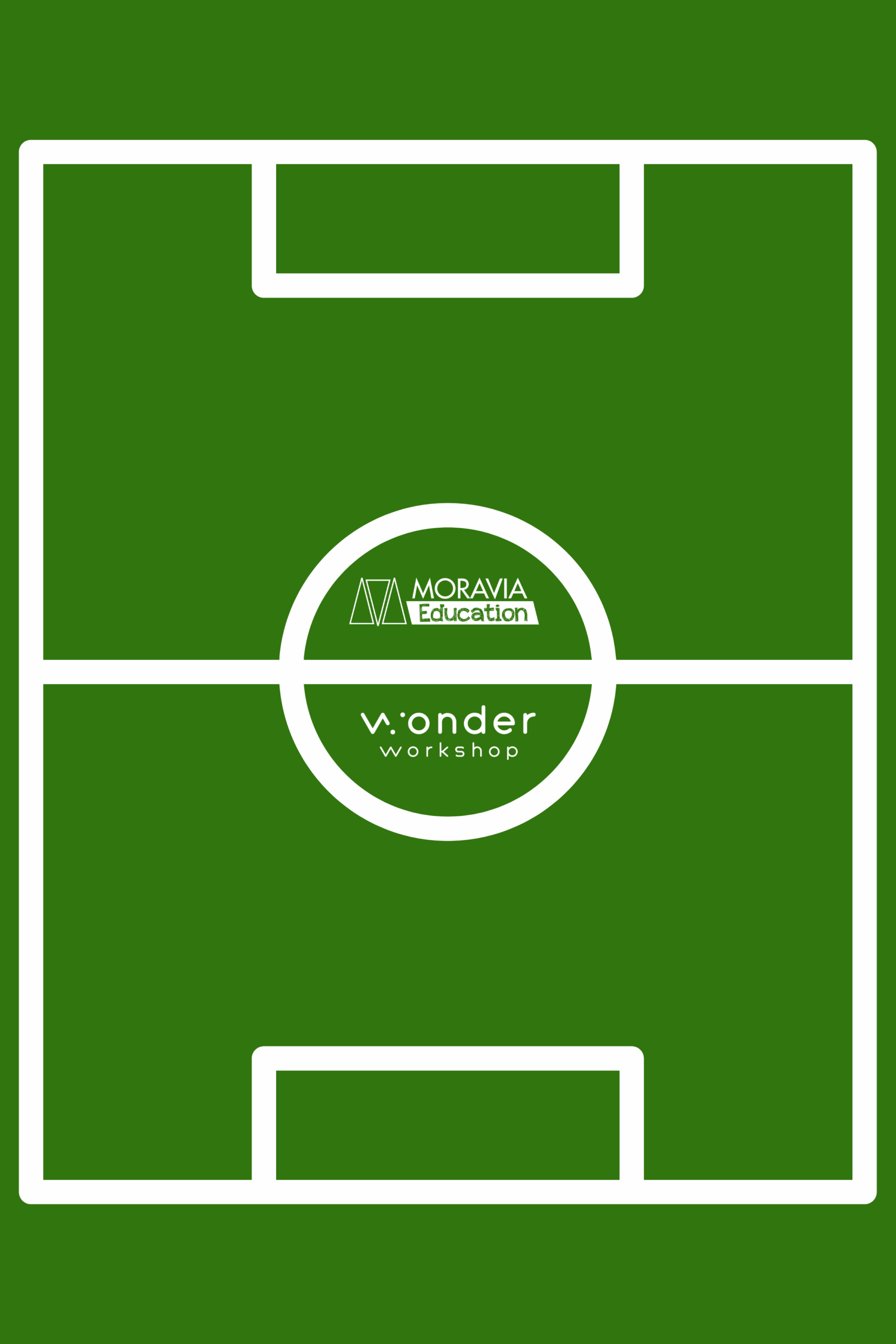
🏟️ Step 1: Create a Soccer Field

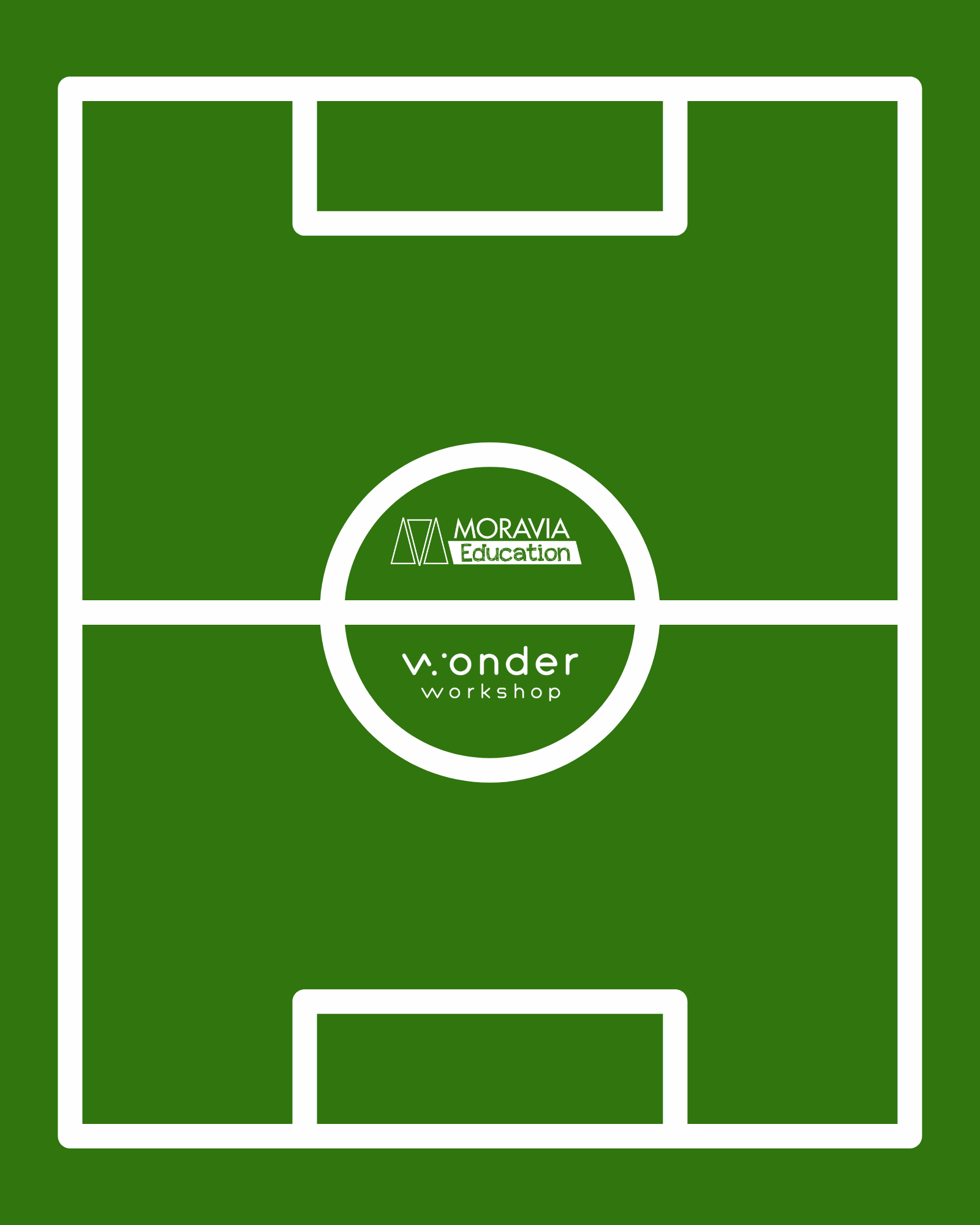
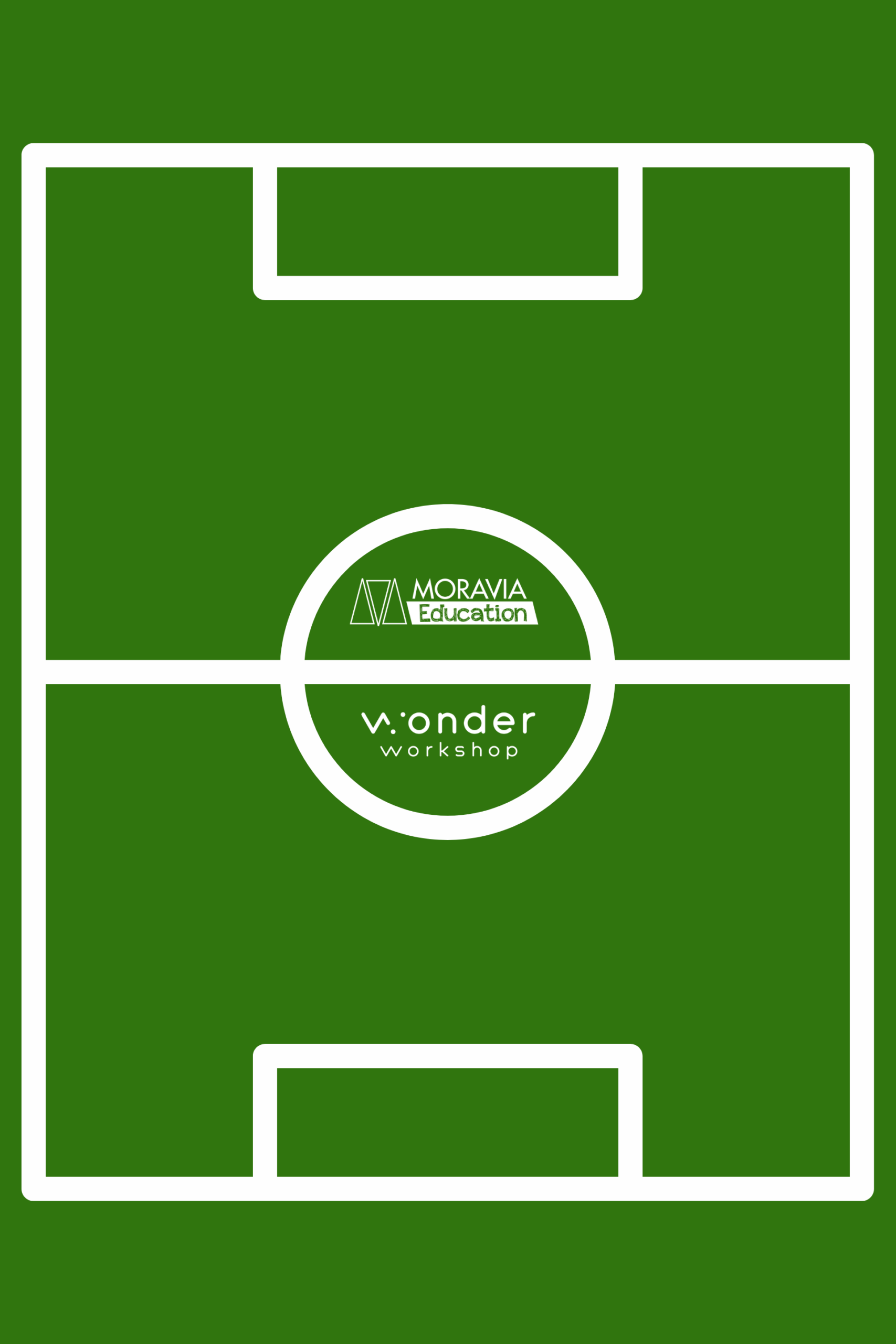
First things first: every good soccer match needs a field. We designed printable soccer stadium templates in three sizes that you can order directly from Walgreens Photo or an equivalent poster-printing service.

Download one of soccer field templates: 

Download 16” x 20” Poster Image

Download 20” x 30” Poster Image

Download 24” X 36” Poster Image

Detailed instructions for ordering a poster from Walgreens are included in the downloadable PDF packet, but here’s an overview:

How to order from Walgreens Photo:

  1. Go to photo.walgreens.com and log in or create an account
  2. Click Posters, then choose your size
  3. Select your paper style and click Create Now
  4. Upload the template — it’s already sized perfectly, so no editing needed
  5. Click Review Order (ignore any “items outside the dotted lines” warning. It’s fine!)
  6. Before you check out, search “Walgreens Photo promo codes” in another tab.


These print as thick poster prints, so we recommend laminating them for durability across multiple classroom sessions.
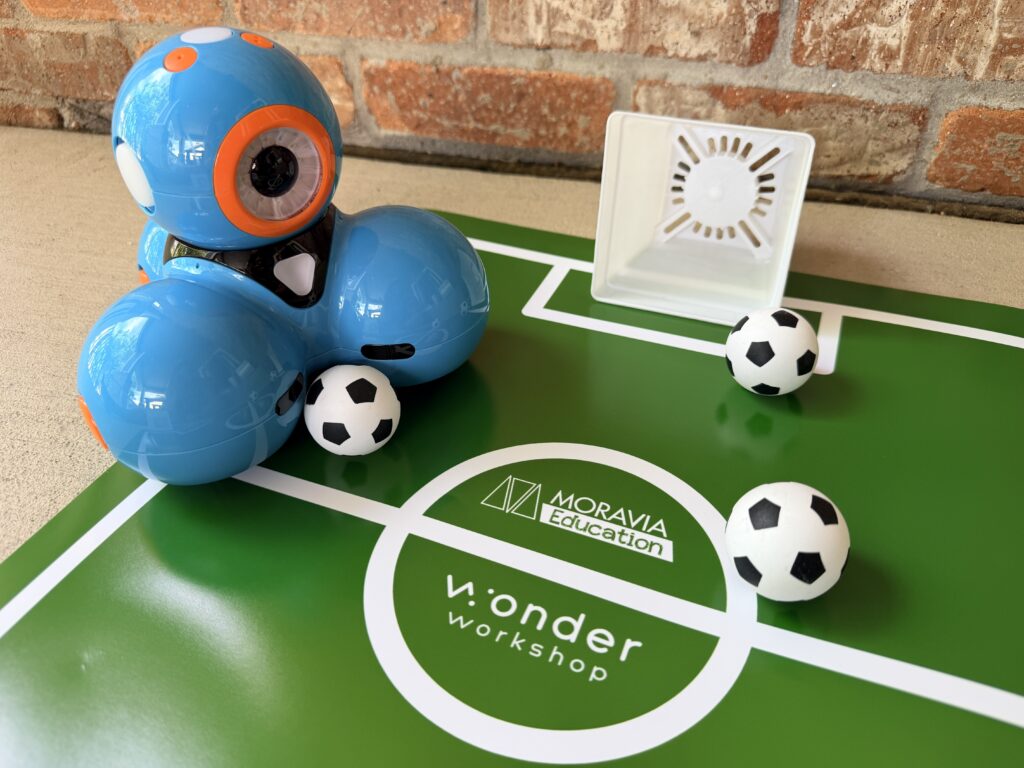
Dash - Soccer Balls - And Field

Step 2: Add Balls and Goals

Once you have your field, you’ll need some gear!

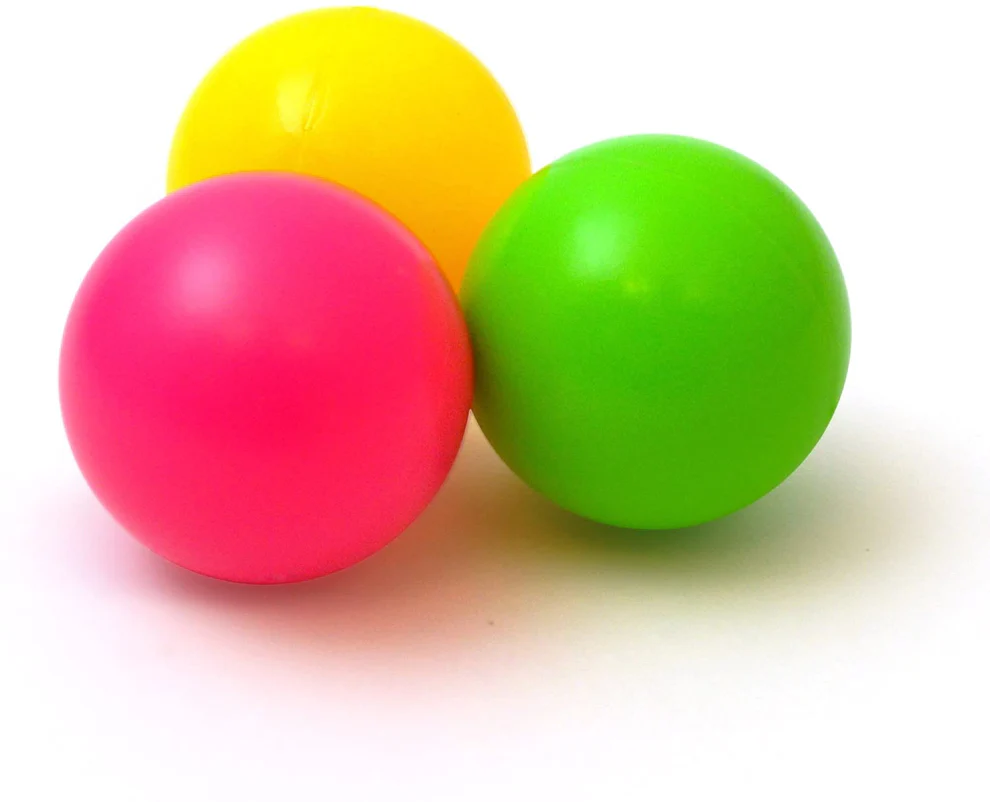
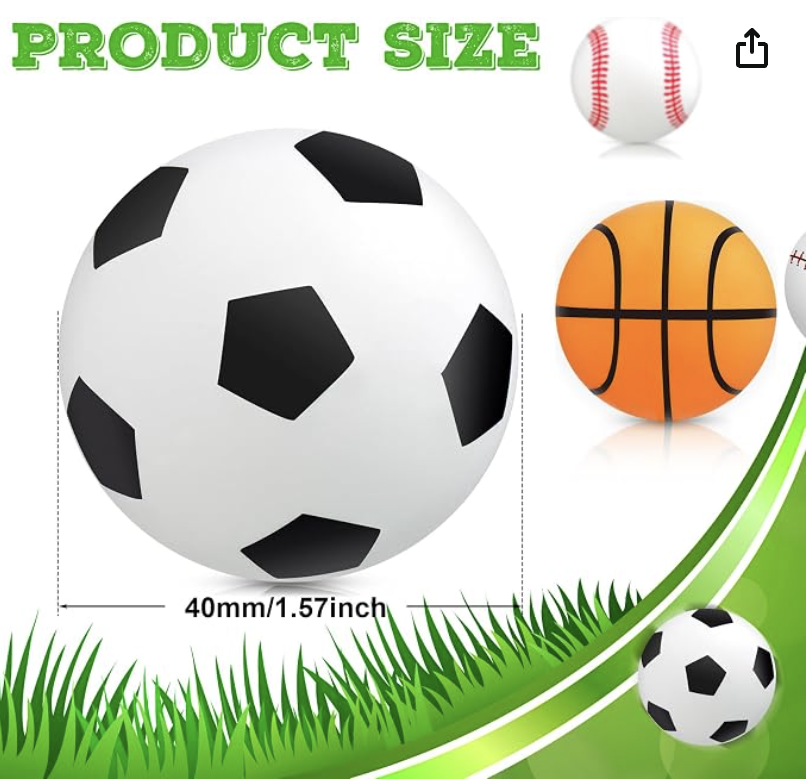
Mini Soccer Balls: Grab these from Amazon. The set includes other sports balls too, perfect for future themed lessons and activities.

Or use the Launcher Accessory Kit: Have one Dash throw the ball in from out of bounds to pass to another Dash player on the field. Instant two-robot team play!

Build Your Own Goal (Engineering Challenge): Skip the store-bought goal and turn it into a design activity. Challenge your students to build a soccer goal using straws, tape, and bubble wrap. It’s a great engineering warm-up before the coding begins. Every team’s goal will look a little different!

🦵 Step 3: Build a Kicking “Leg”

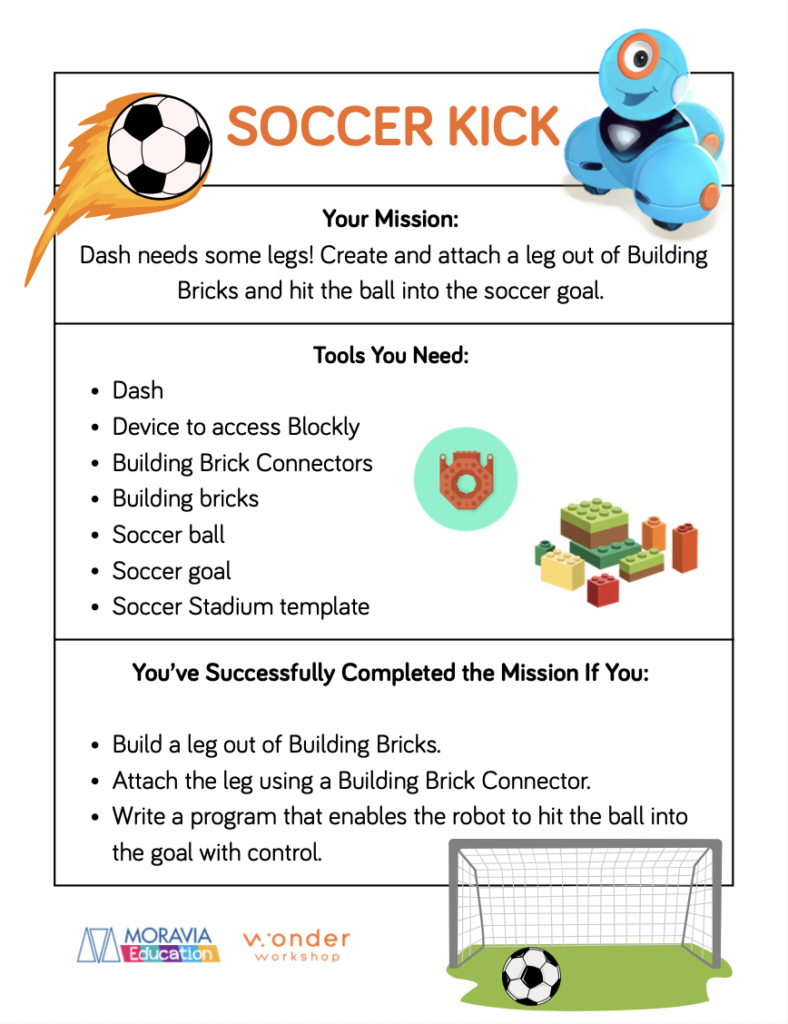
Download the Soccer Kick activity sheet: Soccer Kick & Trading Card Pack

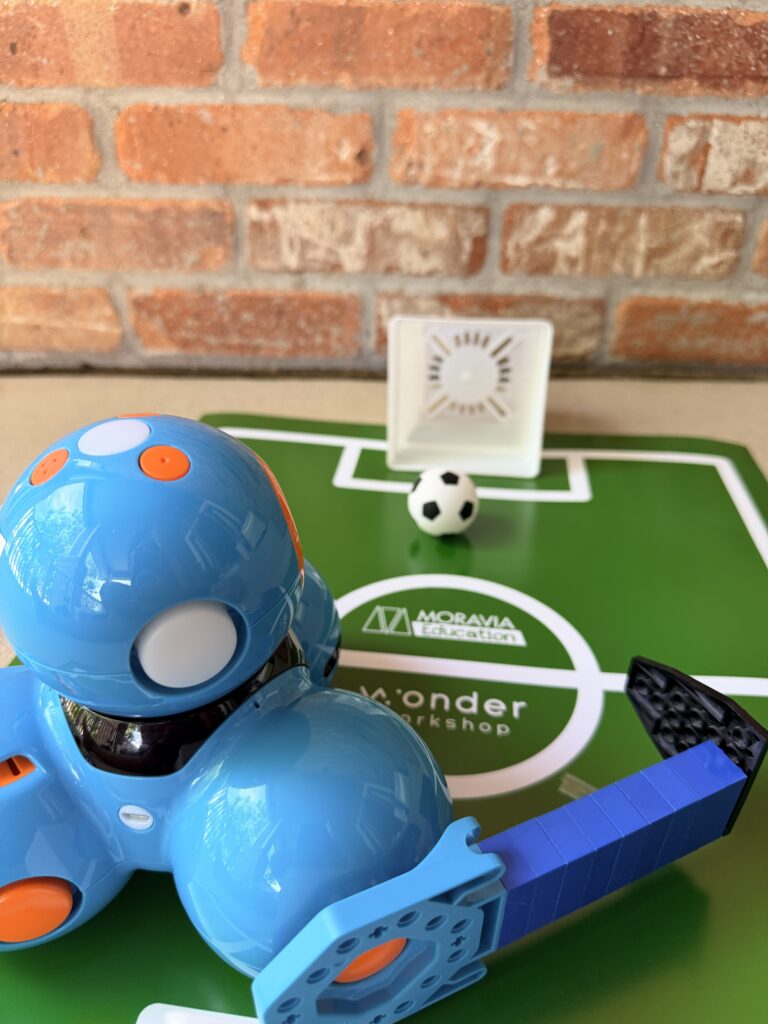
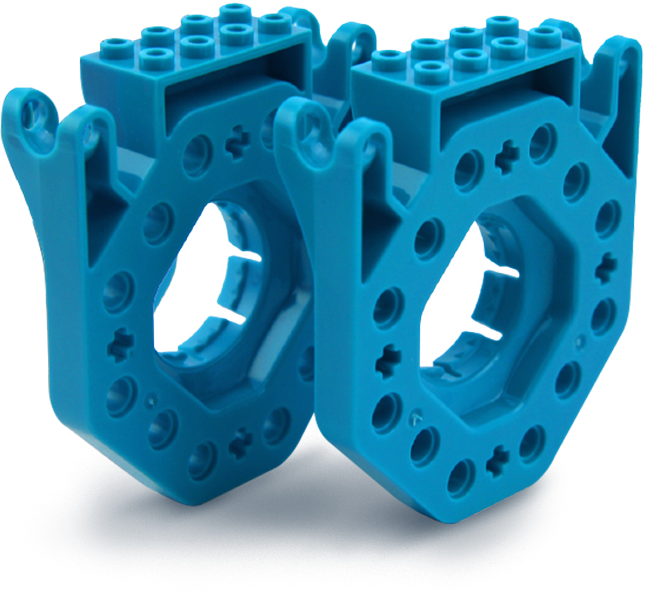
Students build a leg out of building bricks and attach it to Dash using the Building Brick Connectors. Then they write a program in Blockly that gives Dash the power to kick the soccer ball straight into the goal with control.

Success looks like:

  • A leg built from Building Bricks and properly attached with a Building Brick Connector
  • A working Blockly program that kicks the ball into the goal consistently
 

It sounds simple, but getting the angle, distance, and timing right takes real persistence, which is exactly the point!
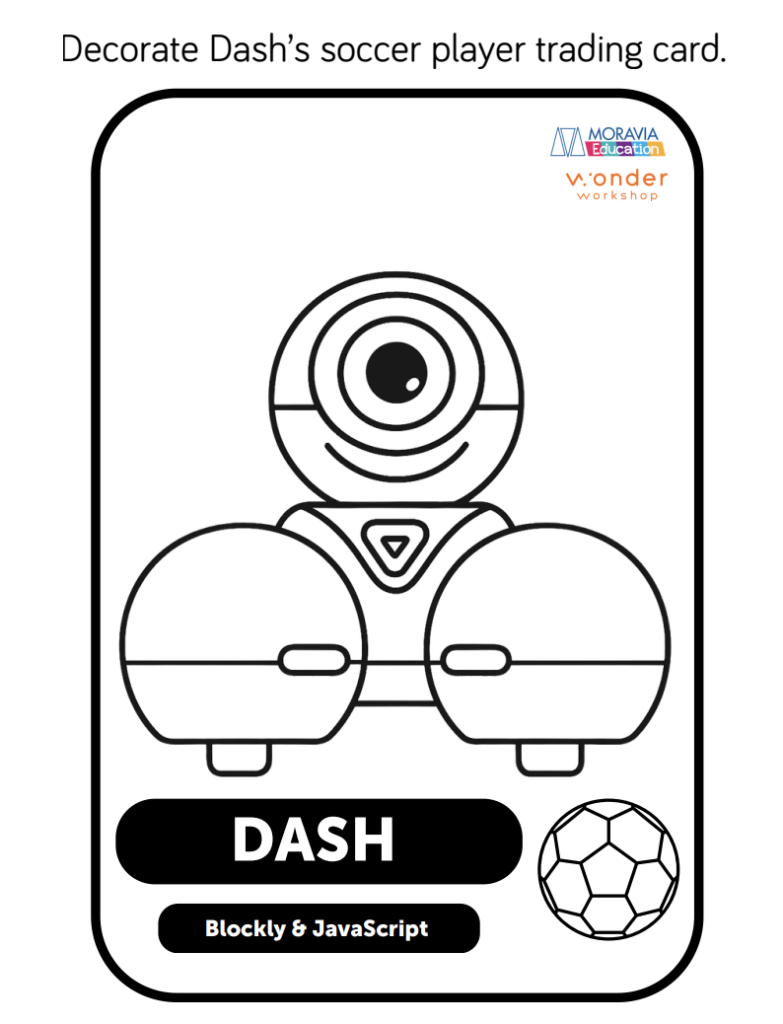
🃏 Step 4: Color and Trade Soccer Player Trading Cards

Download the Trading Card activity sheet: Soccer Kick & Trading Card Pack

Dash can play any position on the field. All it takes is the right program. After completing the Soccer Kick mission, kids can decorate their very own Dash soccer player trading cards, laminate them, and trade them friends.

It’s a fun way to extend the activity and celebrate what they built. Plus, you’ll end up with a whole roster of Dash players!

📸 See It in Action

Want to see how other classes played soccer with Dash? Check out real examples from classrooms just like yours on our Instagram:

👉 View our Soccer with Dash carousel post

HOLIDAY 2025

Give the Gift of Wonder

For a limited time, save big when you gift, Dash or Wonder Pack.

Sale extended through Dec 18, 2025!

Dear Educator,

We are reaching out to let you know about an upcoming price adjustment on Wonder Workshop hardware, effective October 9, 2025.

Due to a 19% increase in tariffs on imports from the Philippines, our costs have risen significantly. We recognize that school budgets are tight, and this was not a decision made lightly. These adjustments only partially offset the higher costs we are absorbing.

To continue delivering high-quality products and support, we will be making the following changes:

  • Launcher: $29.99 → $34.99 MSRP

  • Sketch Kit: $39.99 → $44.99 MSRP

  • Gripper: $39.99 → $44.99 MSRP

  • Dash Robot: $179.99 → $189.99 MSRP

  • Wonder Pack: $269.99 → $289.99 MSRP

  • Dash 12-Pack: $1,795 → $1,895 MSRP

Bundles that include software (such as Make Wonder subscriptions) will remain unchanged, providing an opportunity to take advantage of savings built into those bundles. .

What this means for you:

  • All quotes issued before October 1 will be honored at current pricing through their expiration date.

  • Any new quotes or orders placed on or after October 9 will reflect the updated pricing.

  • We encourage you to complete your order in September to secure today’s prices.

Our commitment remains the same: helping you bring coding and robotics to your students in the most accessible way possible.

If you have an open quote or need help finalizing an order, our team is here to assist you.

Thank you for your partnership and for all you do to inspire the next generation of problem solvers.

Sincerely,
Bryan Miller
Vice President Strategic Growth & Education Outreach

ISTE SPECIAL OFFER

Get Make Wonder STEM Classroom for only $99!

Make Wonder STEM Classroom equips 1 teacher and 35 students with a comprehensive coding and robotics solution for grades K-8.

Offer extended through July 7, 2025!

STAY IN THE KNOW

Join our email list

Get access to free resources, special promotions, and all the latest announcements.