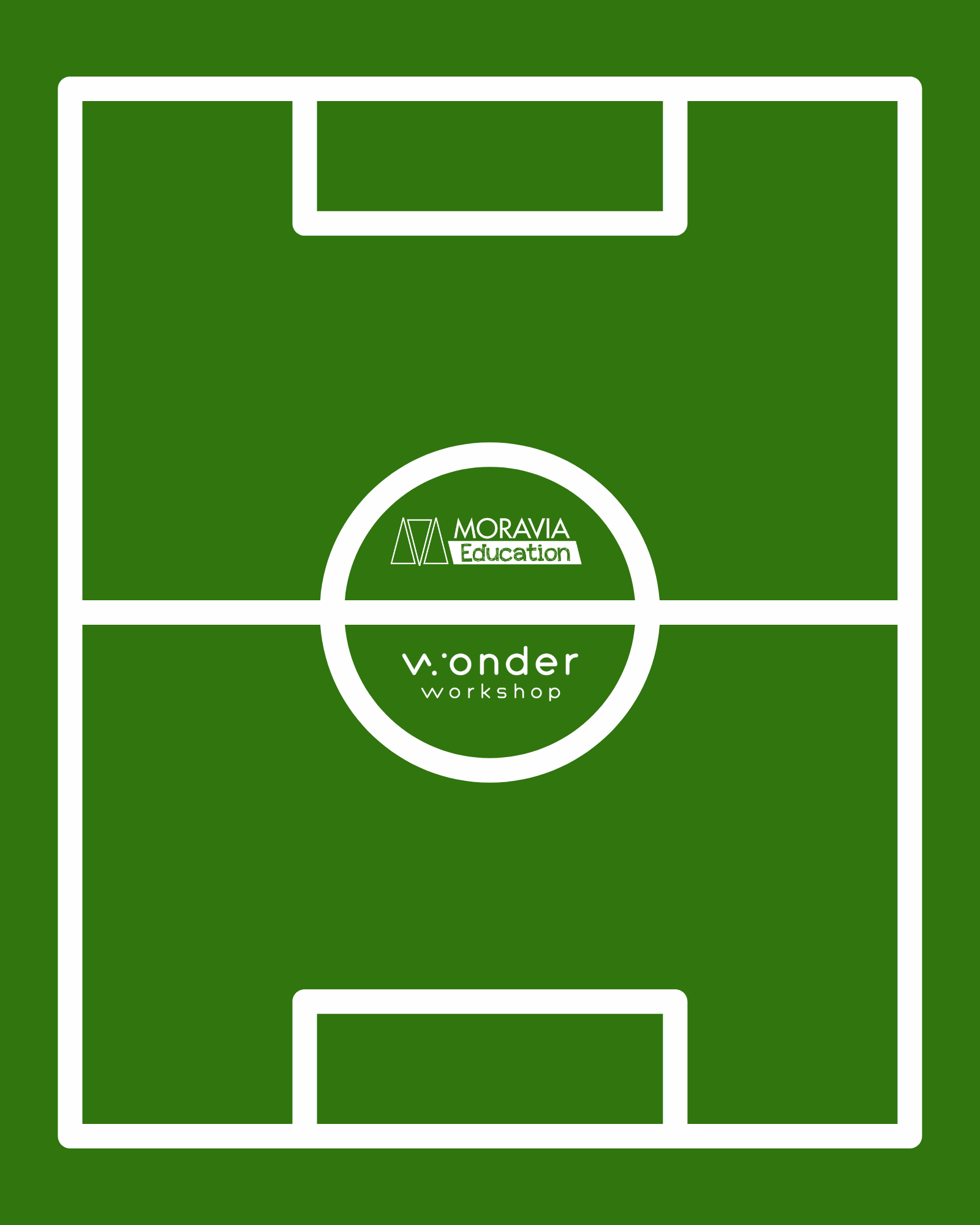

 Step 1: Create a Soccer Field
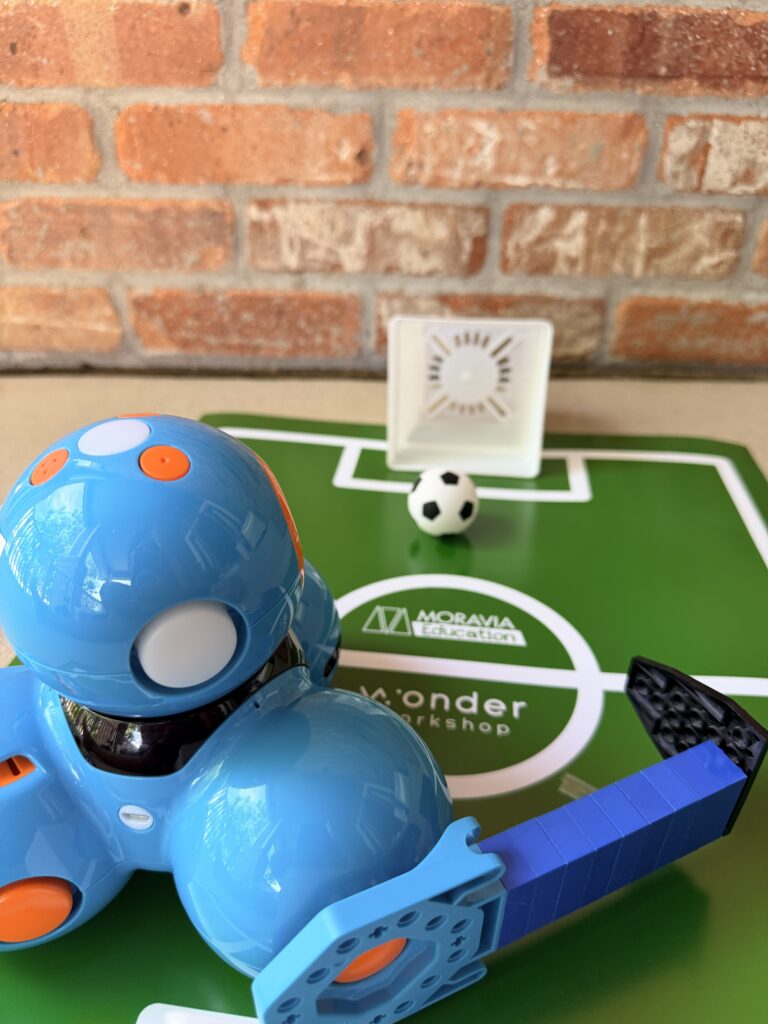
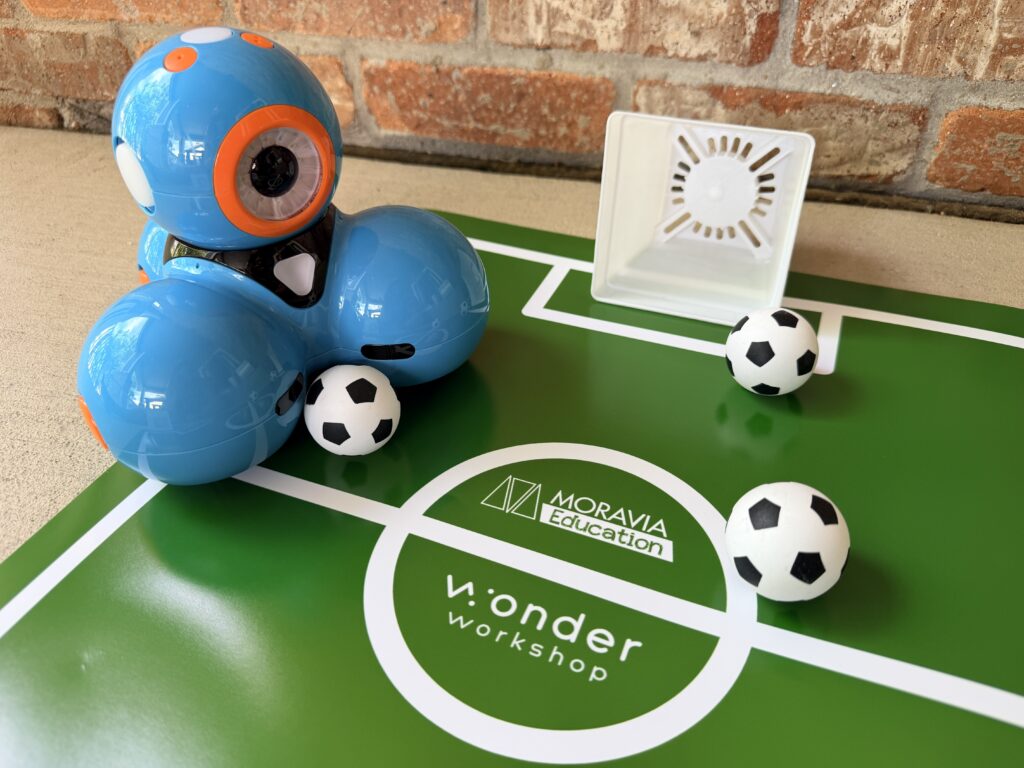
First things first: every good soccer match needs a field. We designed printable soccer stadium templates in three sizes that you can order directly from Walgreens Photo or an equivalent poster-printing service.
Download one of soccer field templates:
Download 16” x 20” Poster Image
Download 20” x 30” Poster Image
Download 24” X 36” Poster Image
Detailed instructions for ordering a poster from Walgreens are included in the downloadable PDF packet, but here’s an overview:
How to order from Walgreens Photo:
- Go to photo.walgreens.com and log in or create an account
- Click Posters, then choose your size
- Select your paper style and click Create Now
- Upload the template — it’s already sized perfectly, so no editing needed
- Click Review Order (ignore any “items outside the dotted lines” warning. It’s fine!)
- Before you check out, search “Walgreens Photo promo codes” in another tab.
These print as thick poster prints, so we recommend laminating them for durability across multiple classroom sessions.
 Step 3: Build a Kicking “Leg”
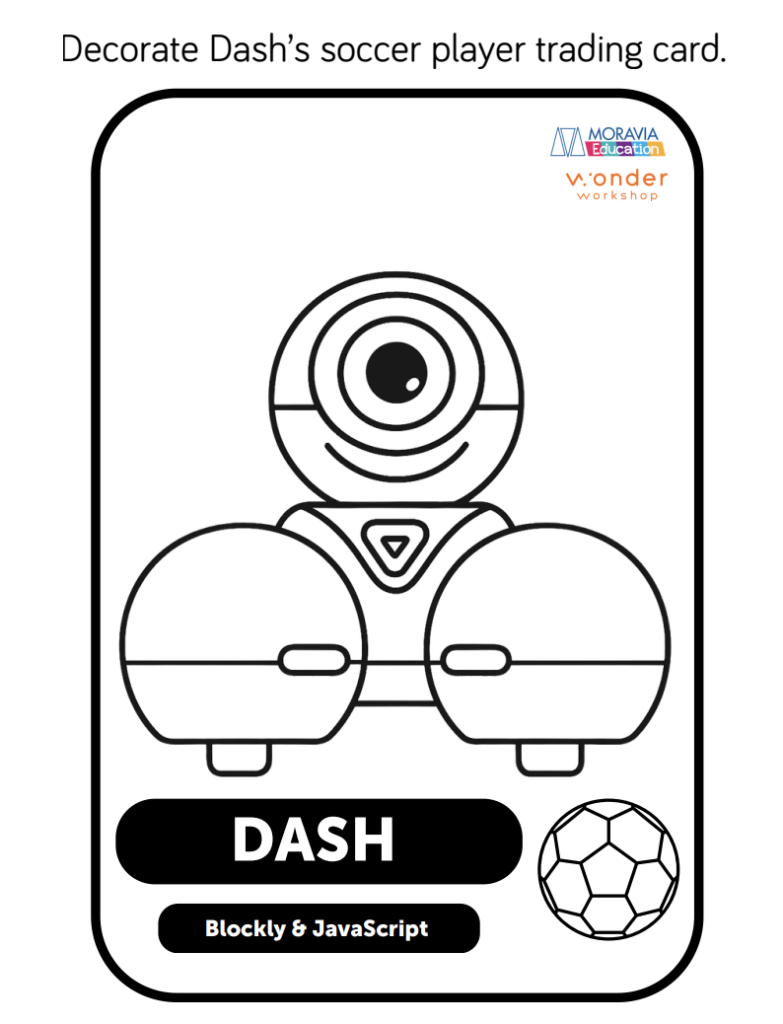
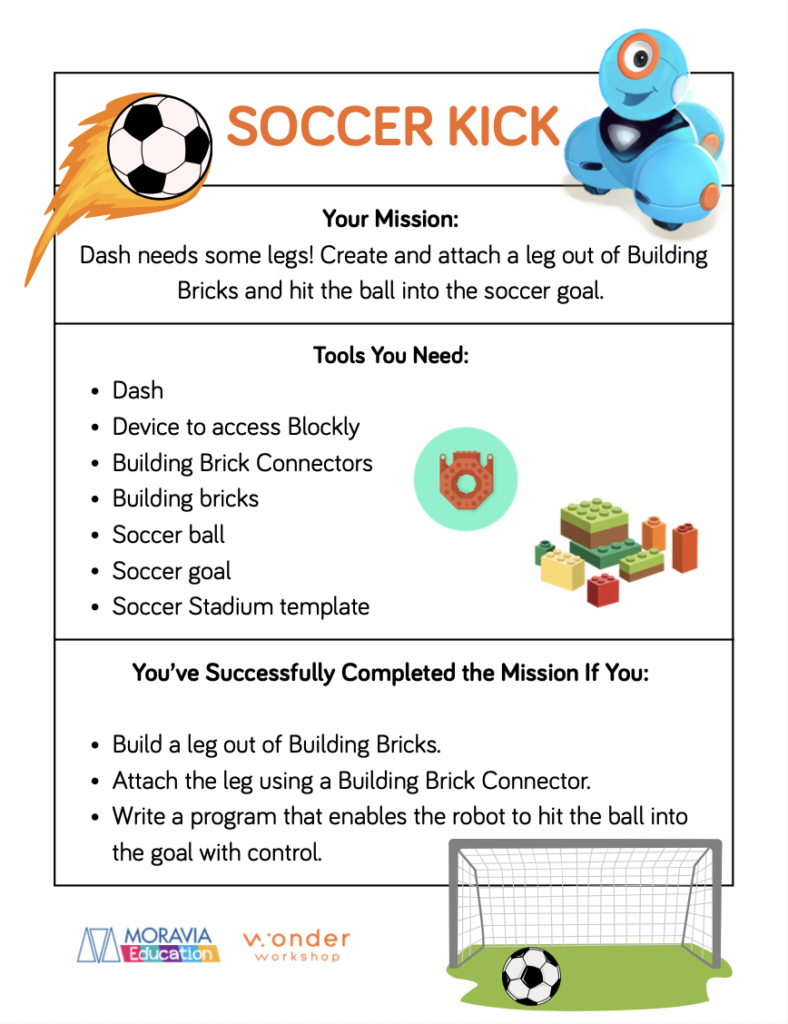
Download the Soccer Kick activity sheet: Soccer Kick & Trading Card Pack
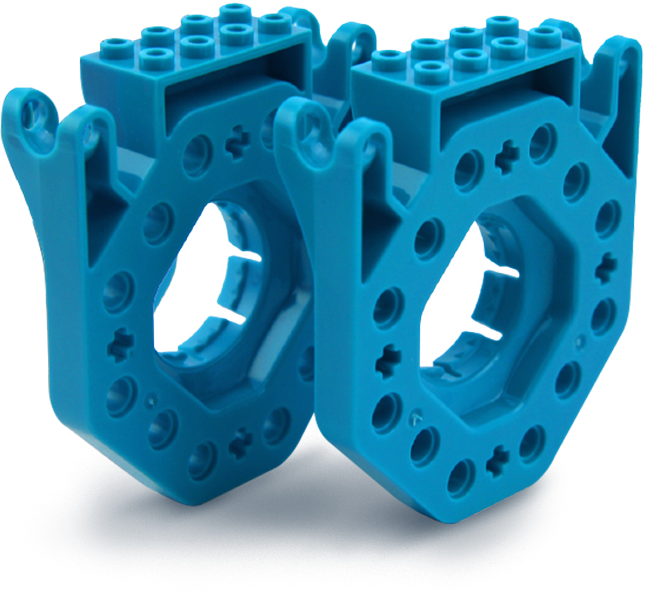
Students build a leg out of building bricks and attach it to Dash using the Building Brick Connectors. Then they write a program in Blockly that gives Dash the power to kick the soccer ball straight into the goal with control.
Success looks like:
- A leg built from Building Bricks and properly attached with a Building Brick Connector
- A working Blockly program that kicks the ball into the goal consistently
It sounds simple, but getting the angle, distance, and timing right takes real persistence, which is exactly the point!