New NGSS Science Adventures: Blast Off with 20 K-5 Science Activities for Curious Coders
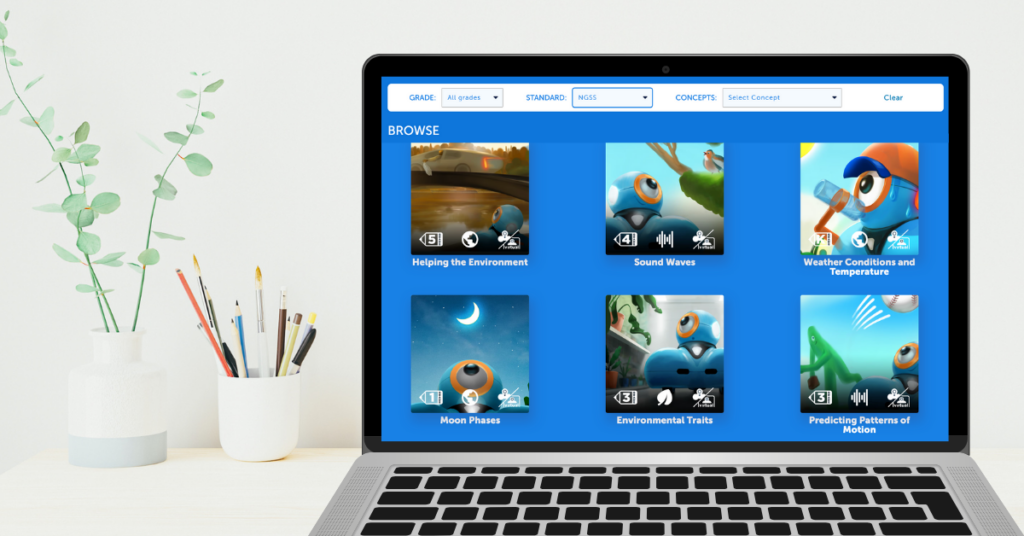
Blast Off with New Science Activities in Make Wonder Are you ready to take your students on an out-of-this-world learning journey? We’re thrilled to announce our brand-new NGSS-aligned Science Activities! These 20 interactive K-5 activities combine Earth & Space, Life, and Physical Science concepts with fundamental coding skills—like sequencing, loops, events, and conditionals—so kids can […]
Wonder League Robotics Competition: Myths, Facts, and Tips for Success
The new year provides an ideal opportunity to shake up routines with fresh new ideas and exciting challenges! Enter: the Wonder League Robotics Competition (WLRC), which offers a creative way to bring coding and collaboration into your classroom, home, or after-school club. As long as you register by February 14, 2025, you’ll be able to […]
Program Dash to Draw a Tree
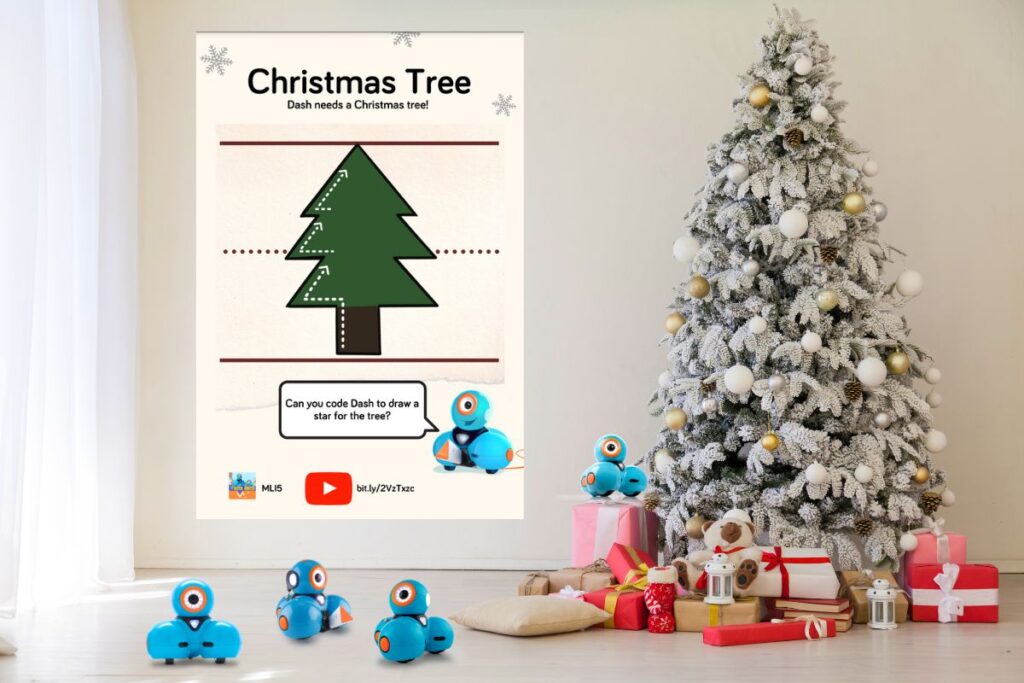
Help Dash Draw the Shape of a Christmas Tree For this activity, you can either use the Sketch Kit accessory with Dash or you can fashion your own harnass for a magic marker and get drawing. The downloadable PDF includes a link to a video of Dash drawing the tree as well as a Blockly […]
Using Blockly with K-1st Grade Students
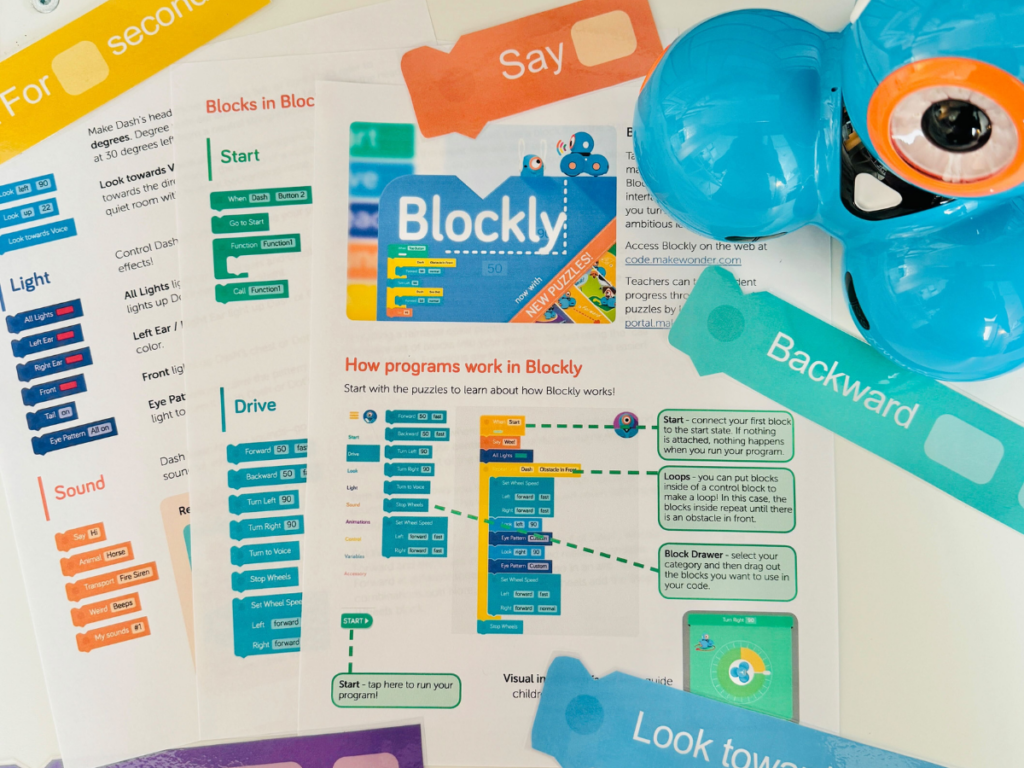
Innovation Starts Early The earlier that students dive into computational thinking and computer science, the more likely they’ll grow into the problem-solvers and innovators of tomorrow. As a teacher, I know that Blockly can seem challenging for young kids, especially since it looks like it requires strong reading skills. But don’t worry—there are so many […]
Gear up for the Wonder League Robotics Competition with Free Missions and Insider Tips
Year 10 of the Wonder League Robotics Competition is Underway! Here’s everything you need to know to round up a team, jump in and compete! This year, teams help Dash travel through different time, solving real-world problems with creative coding solutions. All four missions have now launched, and there’s still plenty of time to jump […]
New Make Wonder Feature: Classroom Codes
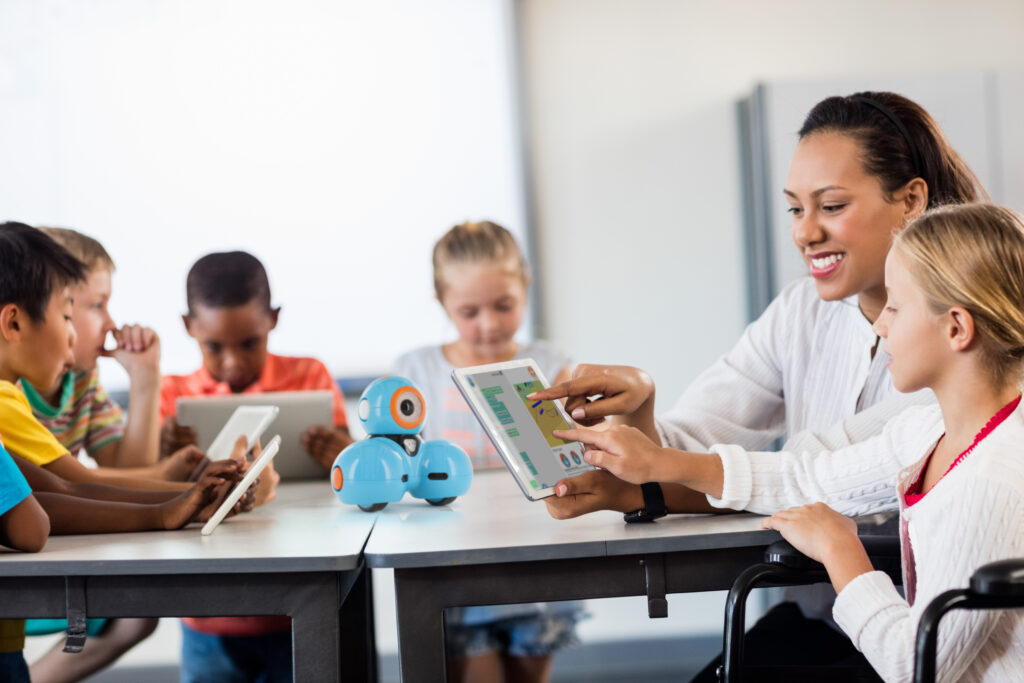
We are excited to announce a new feature for the 2024-25 school year – Classroom Codes. Classroom Codes simplify the Blockly login process for students by providing them with a Code that will take them directly to a listing of profiles inside of Blockly that correspond to their specific classroom, rather than all students in […]
Dash’s Obstacle Course: Numbers Game
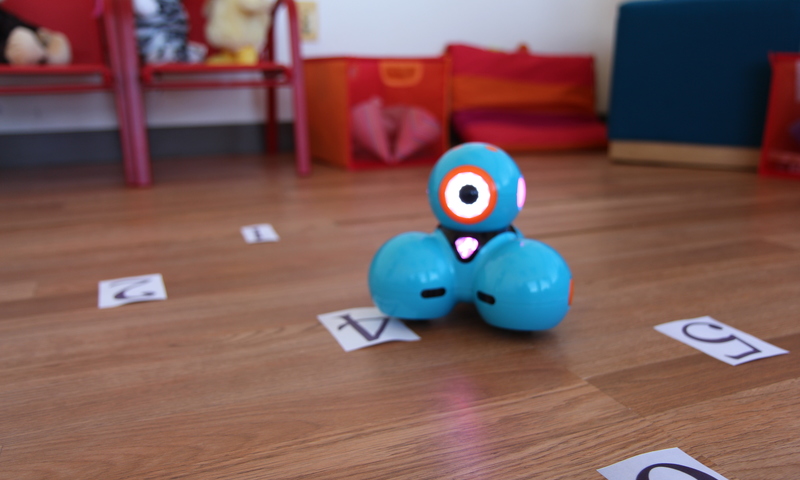
Program Dash to navigate around the numbers! What You’ll Need Dash Set up Time 10 minutes Supplies Paper or card stock Markers Tape Mission: Dash is a number master! Use Blockly to teach your robot to count forwards, backwards, and everything in between! Setup: Grab your art supplies and create some flash cards with numbers […]
Lessons to Explore Eclipses with Dash
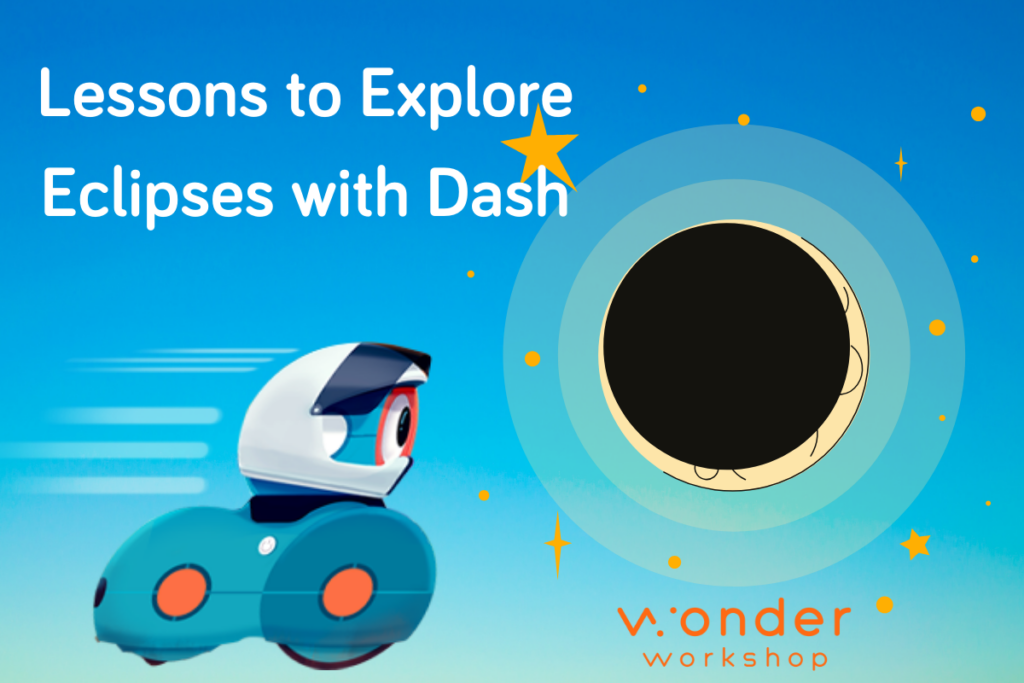
Help students understand the difference between a solar and lunar eclipse with this activity with Dash! What is the difference between a solar and lunar eclipse? A solar eclipse is when the Moon moves between the Earth and the Sun, casting a shadow on Earth. This occurs during the day, darkening the sky as the […]
8 Ways to Fall in Love with Dash (Again!)
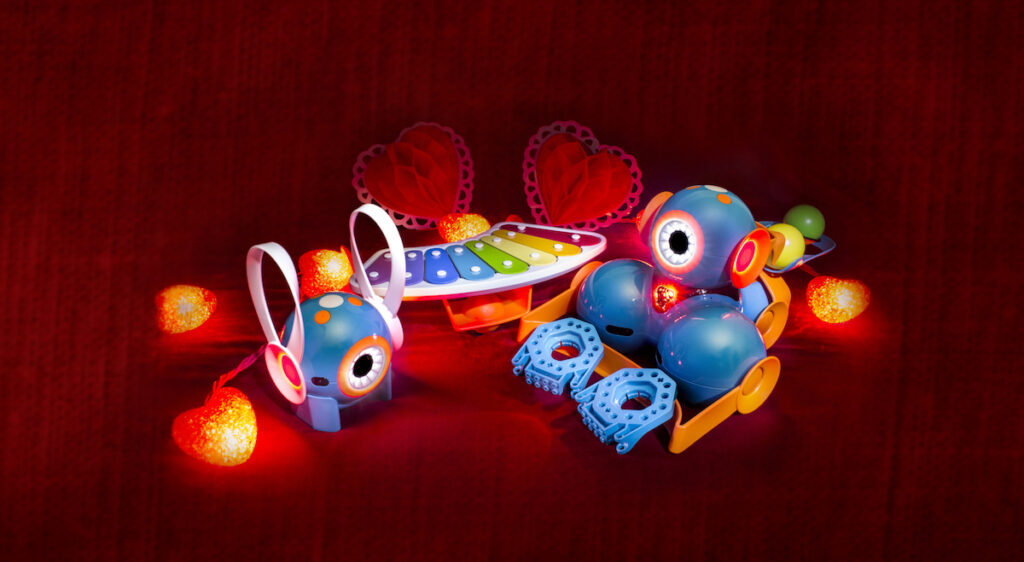
Wonder Workshop’s Robots — Programmed With Love Can you feel the love in the air? ’Tis the season! And robots are definitely worthy of love, too. Here are some fun Valentine’s Day activities for your classroom. Turn your STEM efforts into STEAM by trying some of these crafty, “A”rtsy ideas. Open yourself to love: Use cardboard […]
20+ Winter WONDER-ful Activities for Dash
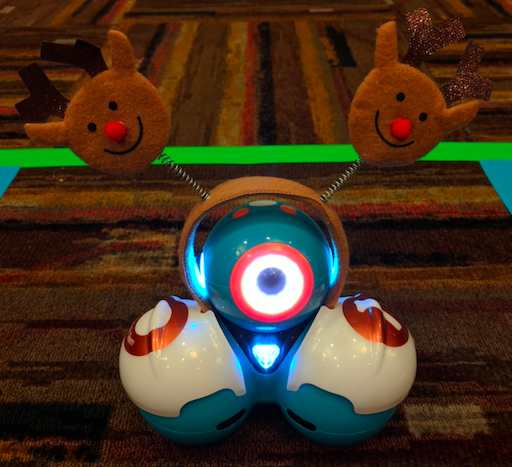
It’s Time for a Holiday Bash There are many ways to reinforce physical coding and applied robotics during this holiday season. You can use these winter wonderland ideas as morning warm-ups or for Friday free time, or you can create rotation stations to tackle them all at once during a classroom celebration. Pick and choose […]