Build, Code, and Create a Robot Petting Zoo 🧱🤖🐾
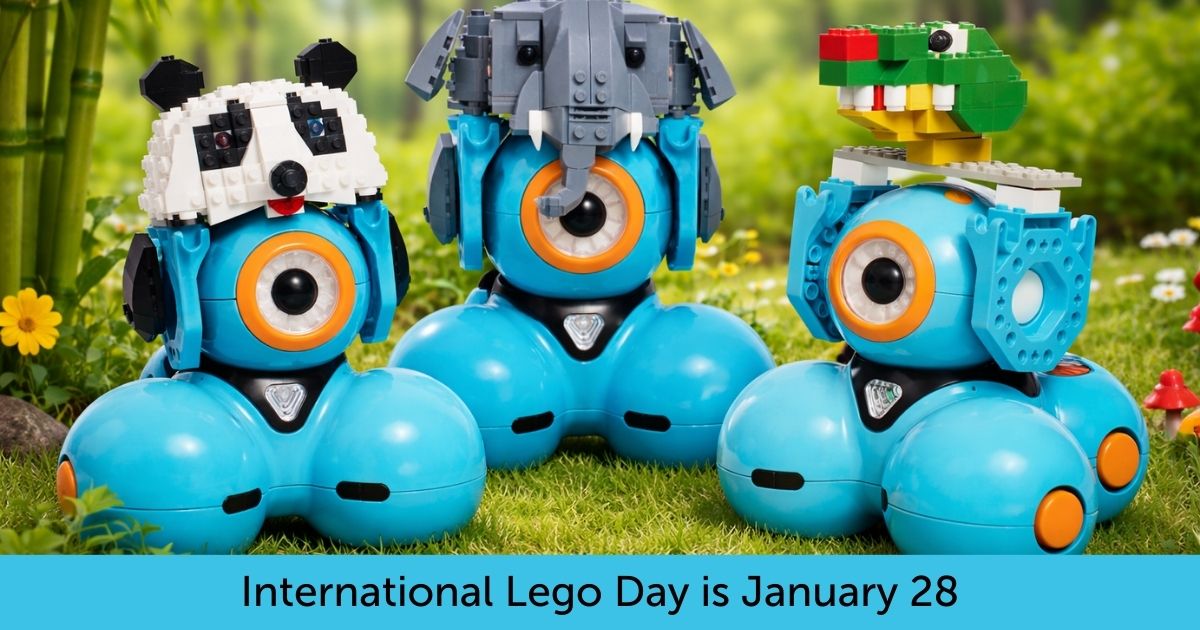
January 28 is International LEGO Day, and we’re celebrating with an activity that puts creativity front and center—where students decide what to build, how it looks, and how it behaves.
By combining LEGO® building with Dash and a classroom-tested coding lesson, students can design and program their own robot animals—from elephants and lions to snakes, birds, or creatures they invent themselves.
The result? A Robot Petting Zoo powered by imagination, research, and code.
Build Any Animal You Can Imagine 🐘🦁🦒
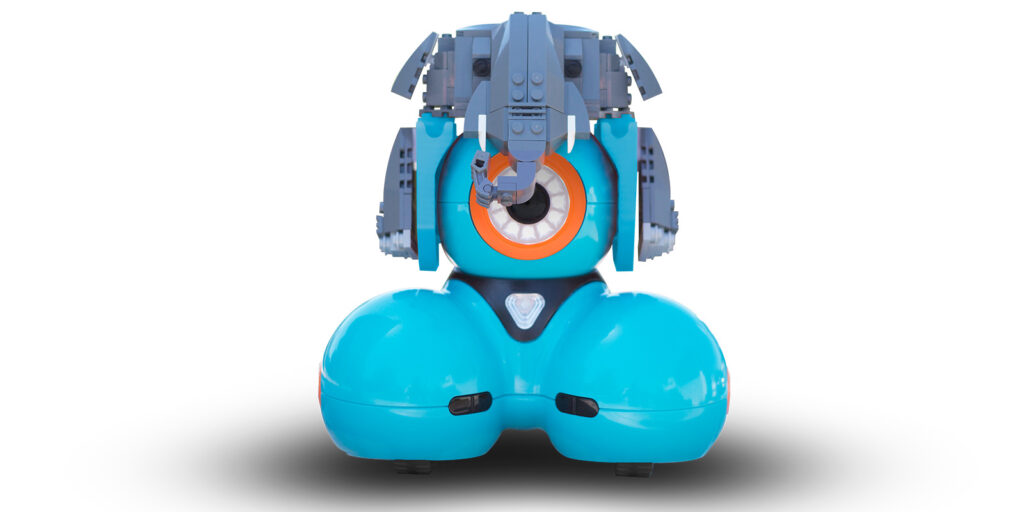
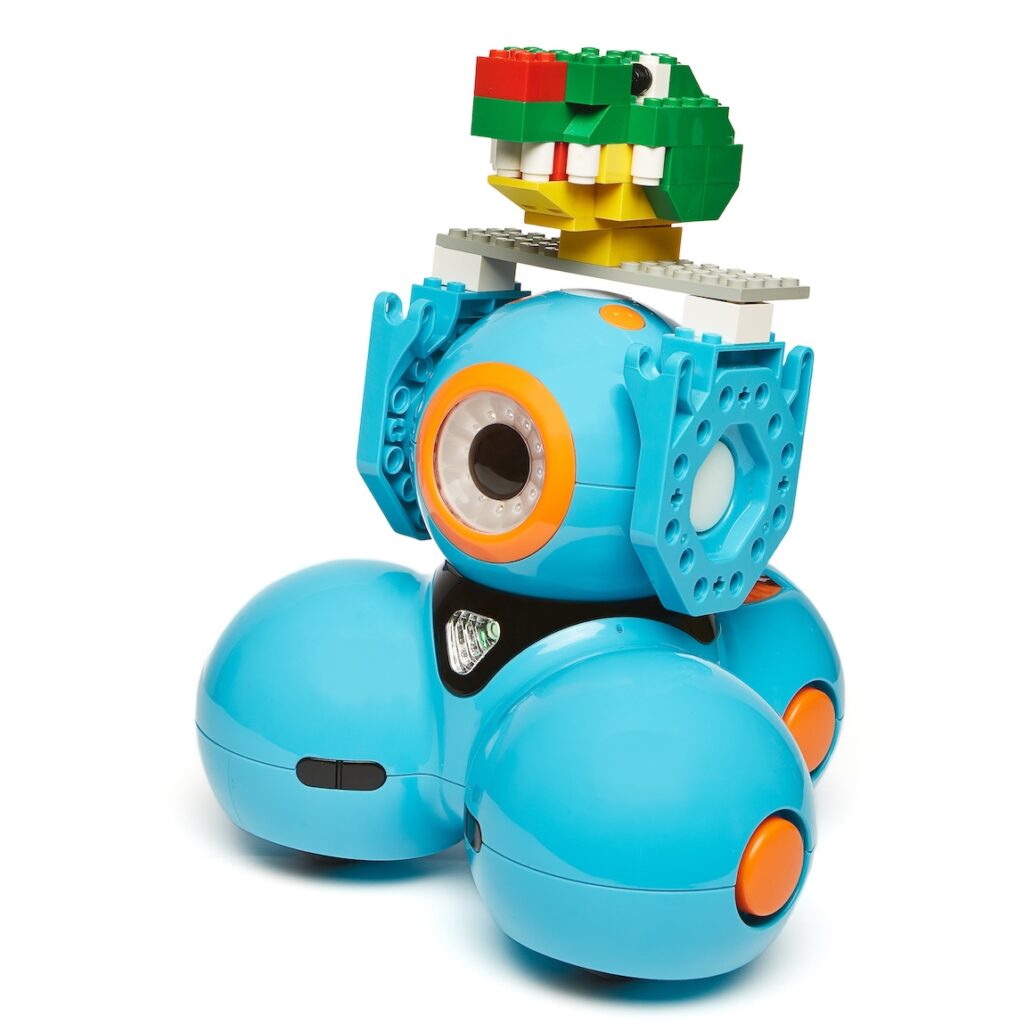
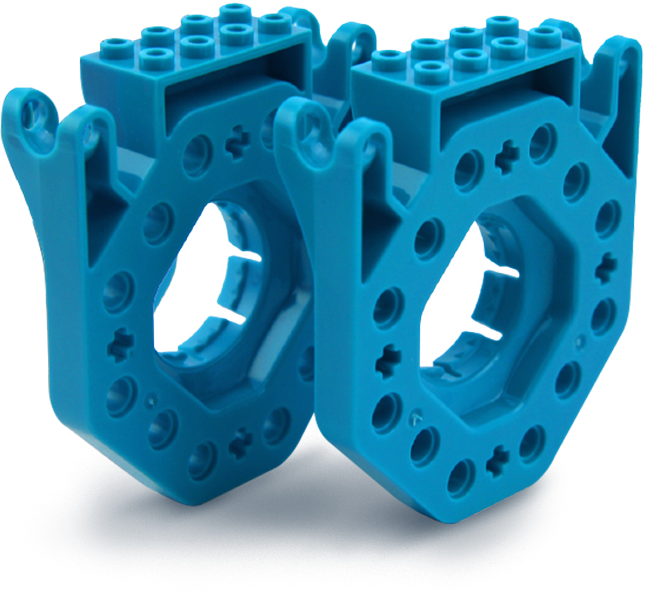
To kick things off, students use LEGO® bricks and connectors to give Dash a physical identity.
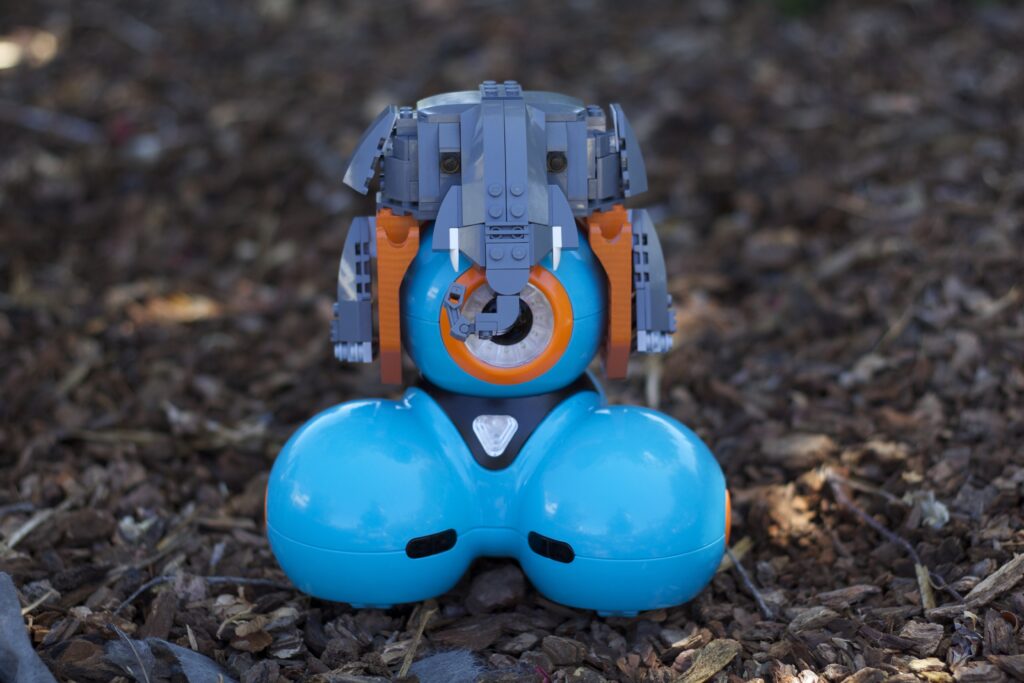
One popular example is turning Dash into an elephant, complete with a trunk and expressive features. The elephant build is included as a ready-to-use starting point, especially helpful for students who appreciate guided building—or teachers who want a shared example to anchor the lesson.
👉 Download the Elephant Build Instructions


Magic happens when students go beyond the elephant example.
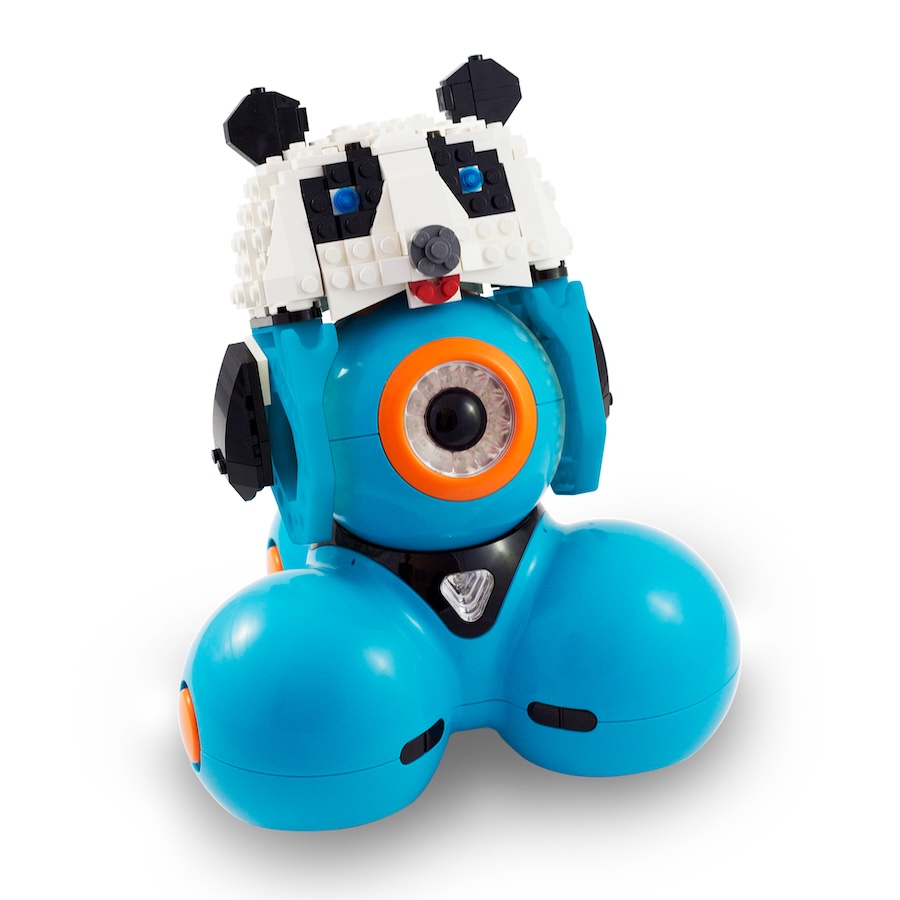
With LEGO® bricks, craft supplies, and creativity, Dash can become:
A snake that moves in an S-pattern
A bird that reacts to sound
A cat that hisses or purrs
A completely imaginary creature with custom behaviors
There’s no single “right” animal—just thoughtful design choices.

Lesson Plan: Program Dash to Act Like a Real Animal 🐾
Once students have chosen (and built) their animal, they bring it to life using the Robot Petting Zoo lesson.
Designed for grades 3–5, this lesson blends science, computer science, and communication as students:
Research animal behaviors and traits
Connect those traits to Dash’s sensors and capabilities
Program Dash using Blockly to respond to sounds, movement, and button presses
Present and demonstrate their animal to others
👉 Access this Free Lesson Plan in Our Cross-Curricular Lesson Library
Log in is required, but it’s free to register!
The lesson naturally supports inquiry and experimentation—students test ideas, refine behaviors, and discover how programming choices affect outcomes.
Elephant Example: From Research to Code 🐘
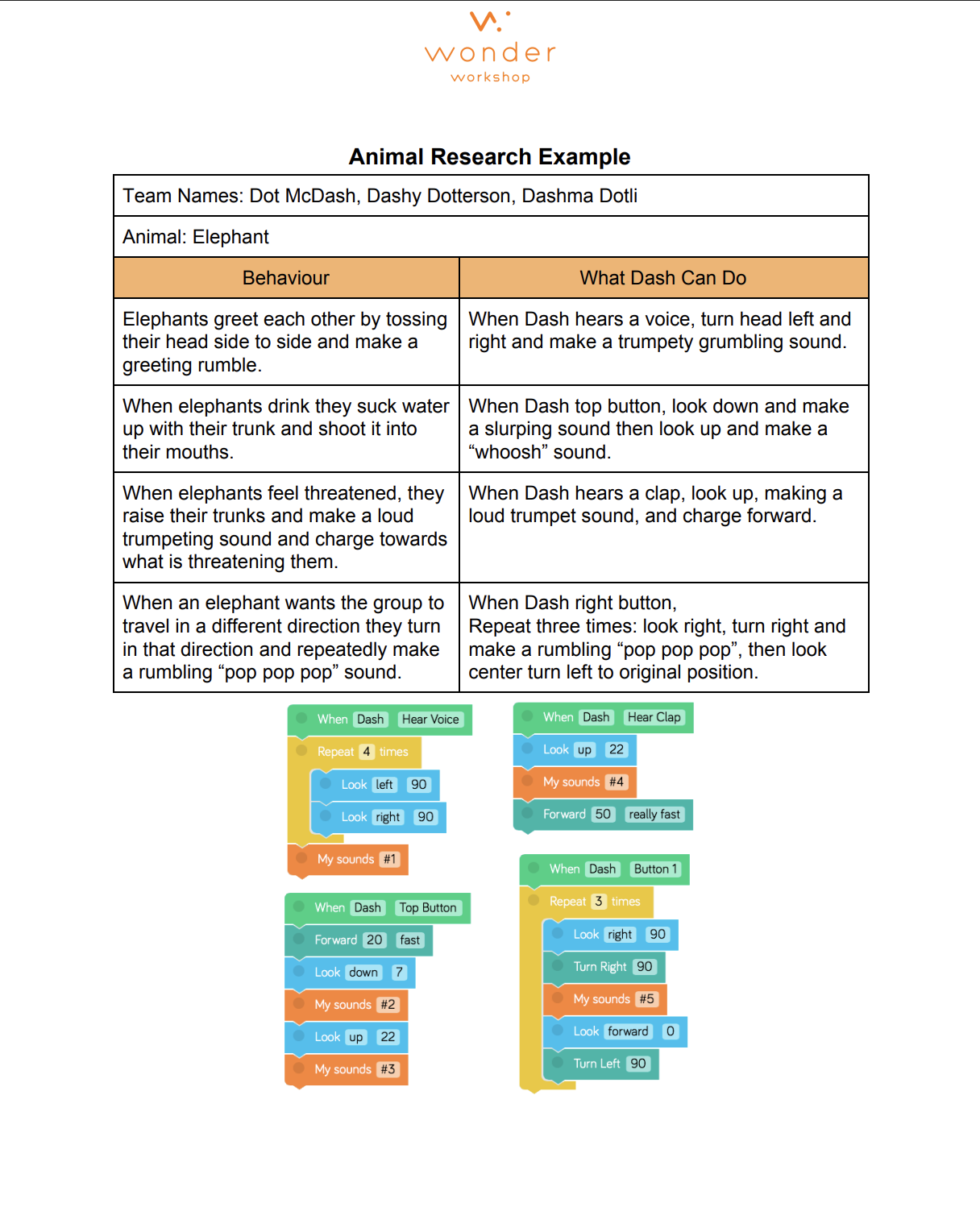
To help students understand how real-world behaviors translate into programming, the lesson includes an elephant example.
For instance:
When Dash hears a voice, it can turn side to side and play a rumbling sound to mimic elephant greetings
When Dash hears a clap, it can trumpet loudly and charge forward
Button presses can trigger trunk movements or directional cues
Students can follow this example—or use it as inspiration to design something entirely different.
Why This Activity Is Perfect for LEGO Day ✨
This International LEGO Day activity works because it:
Encourages open-ended building rather than fixed outcomes
Reinforces science concepts through research and observation
Builds computational thinking with events, loops, and conditionals
Supports collaboration and presentation skills
Celebrates creativity as much as correctness
Every classroom zoo looks different—and that’s the point.
Share Your Robot Zoo with Us! 📸
We’d love to see what animals your students create.
If you build a Robot Petting Zoo for International LEGO Day:
Take a photo or short video of your animal Dash robots
Share it on social media
Tag @WunderWerkstatt and use #DashRobot und #InternationalLEGODay
We might reshare your creation!








 English
  German
  Spanish
  French
  Polish
  Dutch
Dutch  Portuguese
  Czech
Czech